
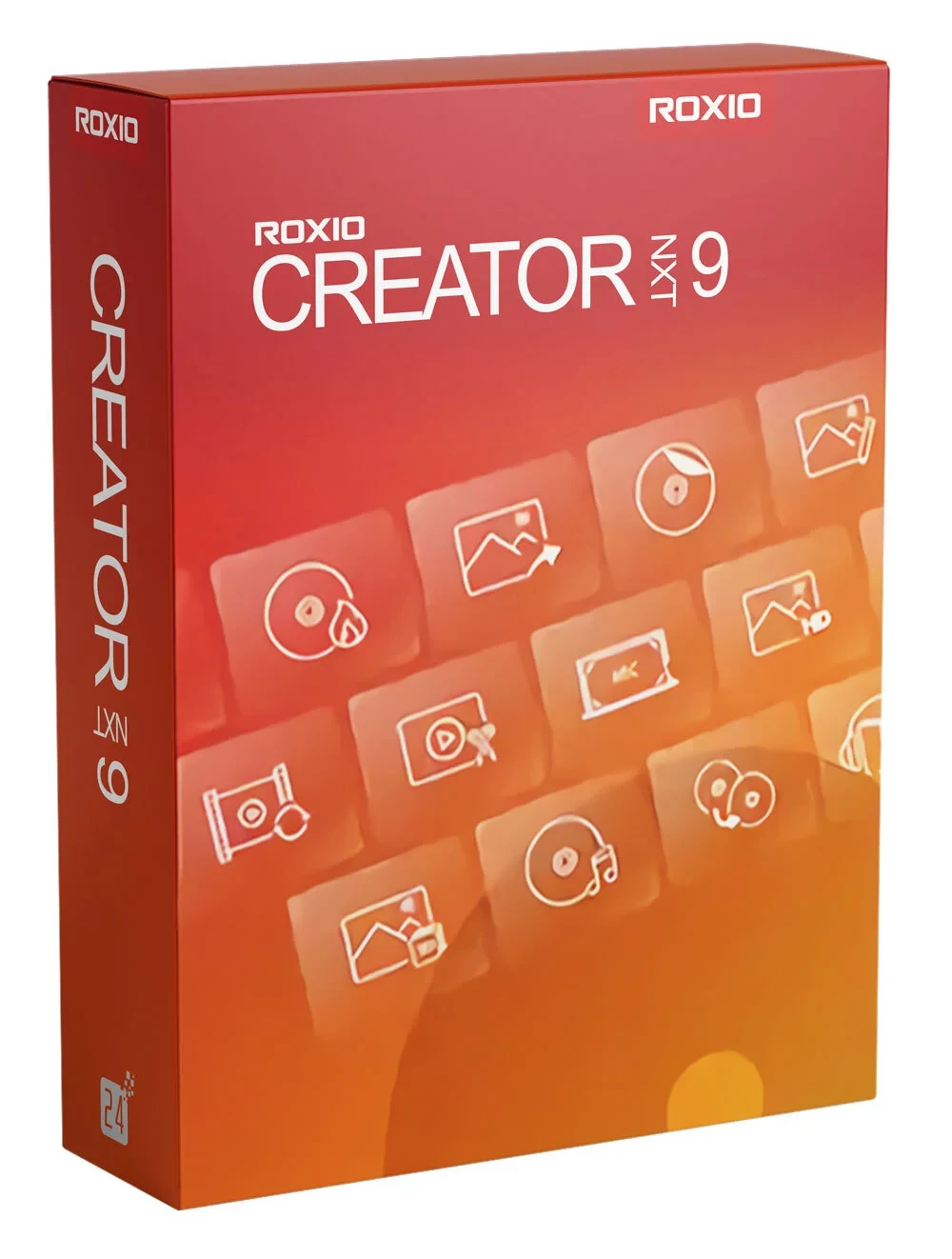
Roxio Creator NXT 9
Roxio Creator® NXT 9 is a full-featured multimedia and CD/DVD burning suite with more than 20 applications to easily capture, edit, convert and burn your media. Discover creative tools to record your screen, capture videos, edit media files, create photo slideshows and much more! Start your next multimedia project with the complete multimedia and burning software for creatives!
-

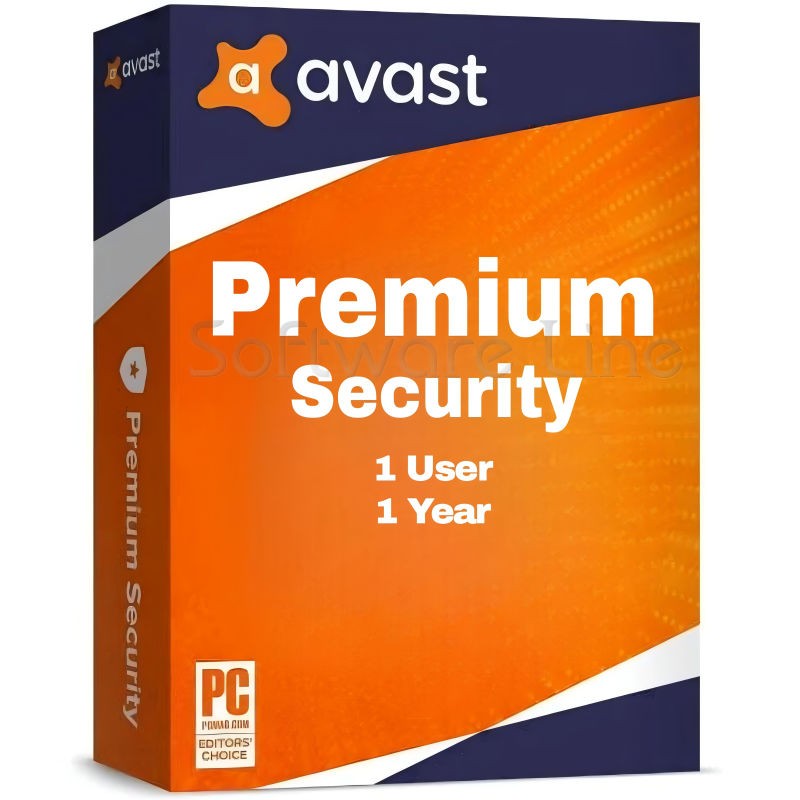
Avast Premium Security
AED 49.00 -
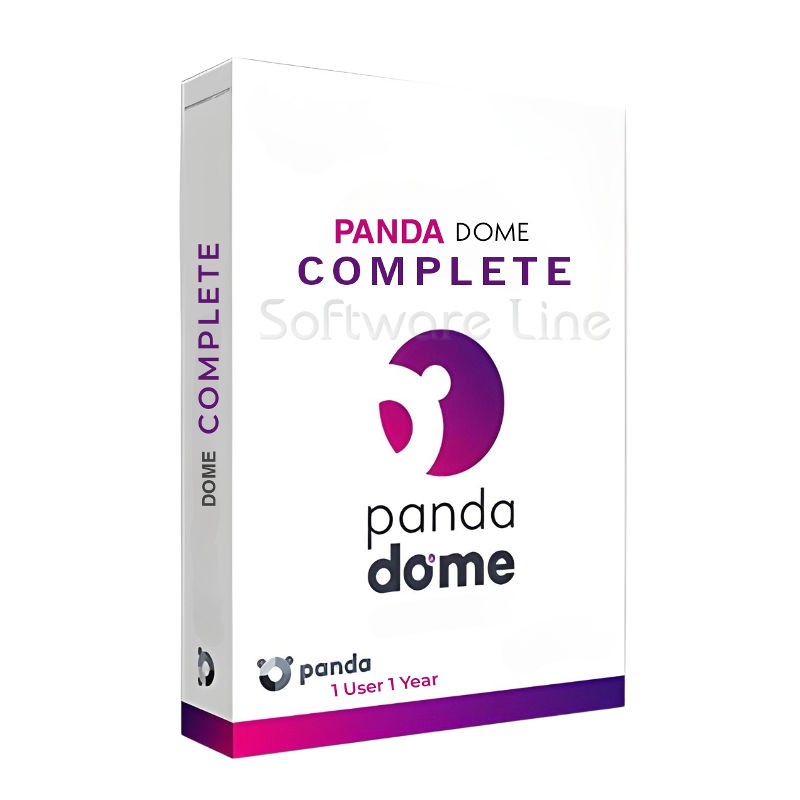
Panda Dome Complete 1 Device 1 Year
AED 49.00 -
AVG Internet Security
AED 29.00 -
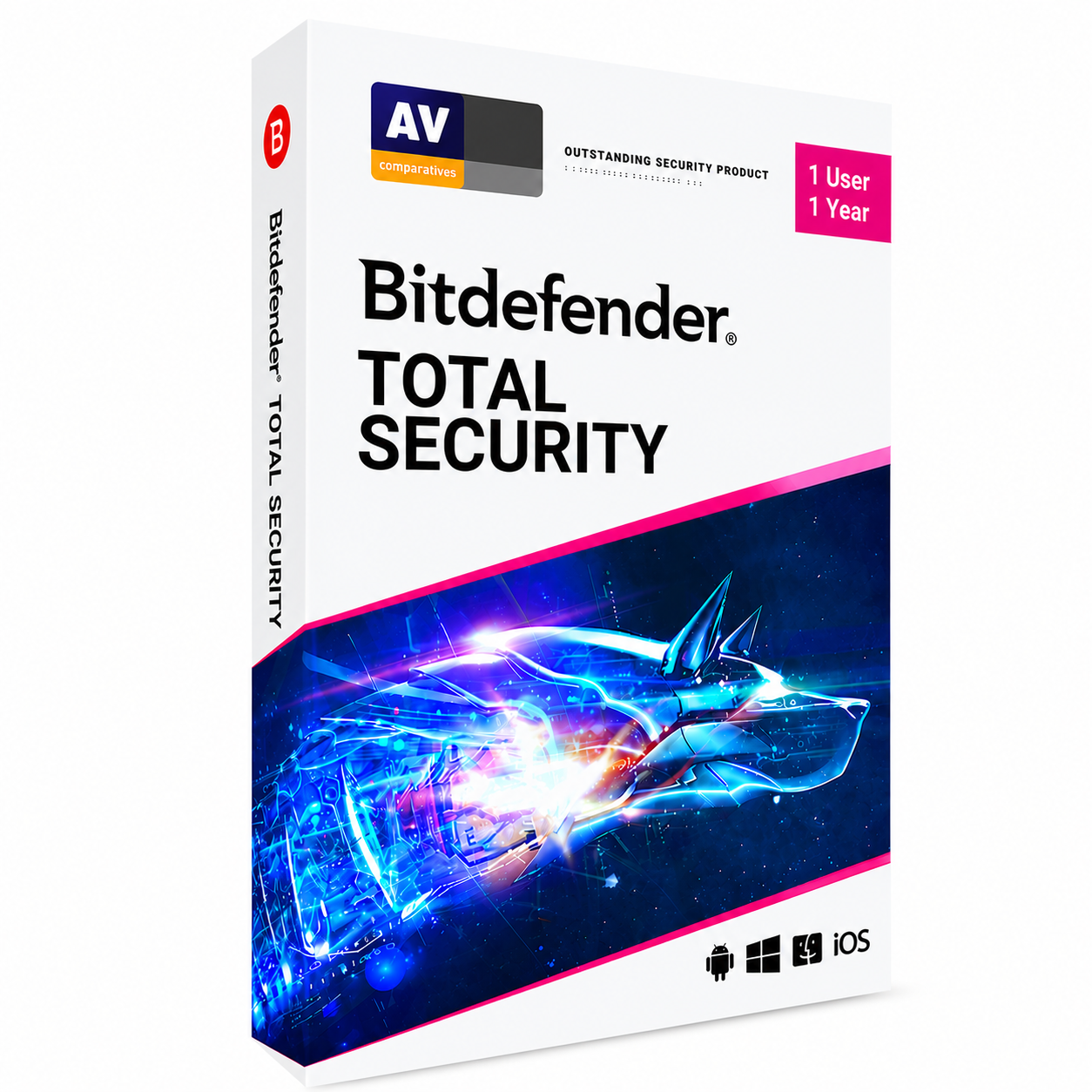
Bitdefender Total Security
AED 49.00 -
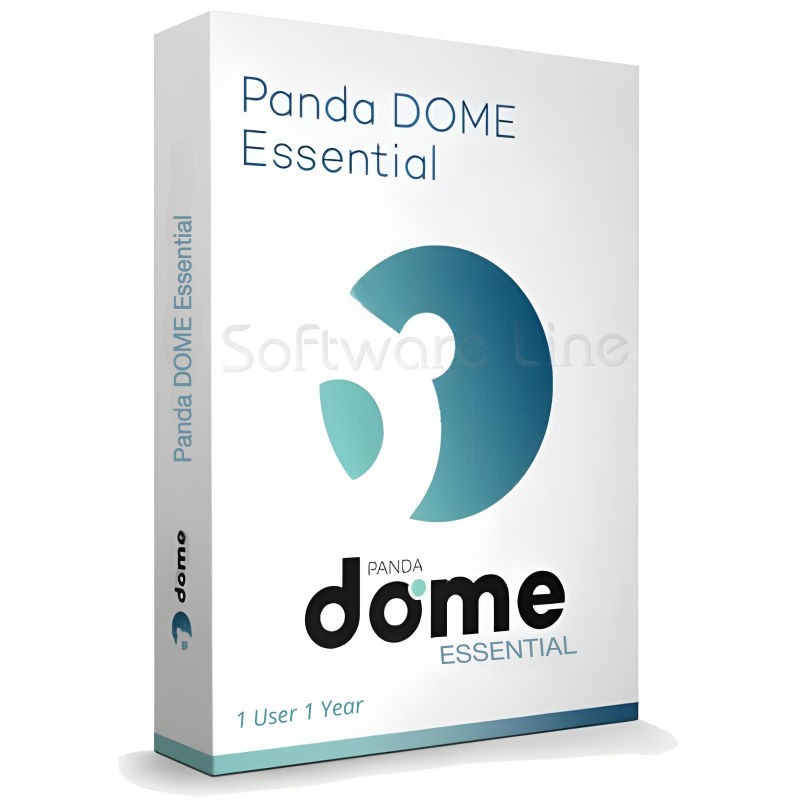
Panda Dome Essential 1 Device 1 Year
AED 29.00

Everything you need to burn discs and manage your media.
Discover the features and applications that make Roxio Creator NXT 9 such a powerful burning program:
Secure, industry-standard burning
Burn single or multiple CDs, DVDs and Blu-ray discs with drag-and-drop ease right from your desktop with Roxio Burn.
If you want to make multiple DVD copies or archive your DVD productions, consider outputting an ISO image file to your hard drive.
Copy, burn CDs, and rip music from CDs
Effortlessly create a copy* of your CDs, DVDs, Blu-ray discs, and USB drives. Regardless of the original disc, Creator NXT can copy* them. You can also copy discs and convert them to digital files that you can play on your favorite devices.
*Does not capture, copy or rip copyrighted or proprietary media.
Create DVD discs
Enhance your videos into professional-looking discs with Roxio MyDVD™, complete with over 100 original templates, customizable menus and chapters, and a robust music library. Creatively customize existing menu templates, or even create your own with the NEW template designer! Combine multiple movies on one disc with an updated user interface that makes it simple, yet refined. Even create your own Blu-ray discs* (without DRM) for home movies and personal projects.
*Requires purchase of a separate Blu-ray plug-in within the product
Label discs
Create labels for your discs and make your favorite music CDs and DVD movie compilations easily recognizable and chic.
Back up and archive your files
With Roxio BackOnTrack 4, you can easily back up your files to CD, DVD, Blu-ray Disc or your network drive. Schedule unattended backups or perform them manually. Or simply archive your files with Roxio AVCHD Archive. Maximize storage space with up to 4 hours of DVD video on a single disc.
Keep your hard drive organized and clean
Organize your hard drive and reclaim speed and storage space. View the distribution of files and identify duplicate or unnecessary files. Quickly rename a number of files based on rules you define. Manage, delete, move or upload files to the cloud with Roxio Genie Utility software.
- Internet connection required for product installation, registration, product updates, and some features
- Microsoft Windows 11, Microsoft Windows 10, 64-bit required for some features
- Hard drive with at least 4 GB of free space for installation
- Multi-core processor is strongly recommended:
For data burning and copying, audio recording and editing: Intel® 1.6 GHz Pentium 4 processor or equivalent AMD processor, 1 GB RAM
For video or photo editing, conversion, and playback: Intel Pentium 4 processor at 2 GHz or equivalent AMD processor and 2 GB RAM - 1024x768 DirectX 9.0c compatible graphics card with at least 16-bit color settings, sound card, DVD-ROM drive
- To burn and copy discs:
A 64-bit operating system is required to create MyDVD video discs.
For DVD and BD copying and video editing and creation, a large amount of free disk space is required, up to 10 GB. - For video capture:
MultiCam Capture requires a 64-bit operating system
OHCI-compliant IEEE 1394 FireWire card for use with DV cameras or Roxio Video Capture USB for analog sources
Related products
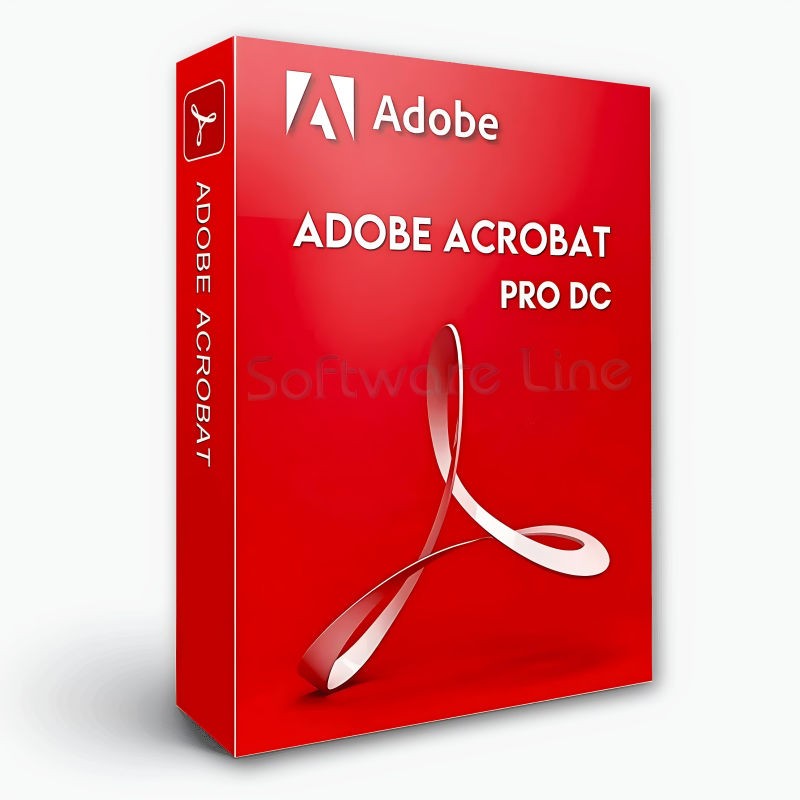
Adobe Acrobat Pro DC 1 Year 1 User
Adobe Acrobat Standard DC 1 Year 1 User
Adobe Acrobat Pro 2020 Perpetual (Life Time) 1 User
Adobe Acrobat Pro 2020 Perpetual (Life Time) 1 User
Adobe Acrobat Standard 2020 Perpetual (Life Time) 1 User
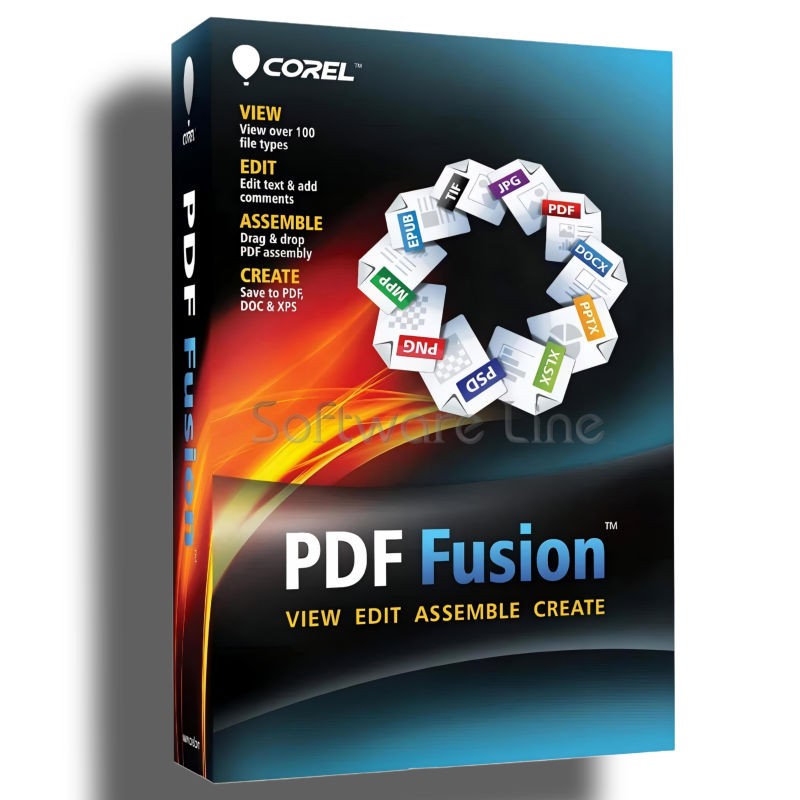
Corel PDF Fusion One-Time Purchase
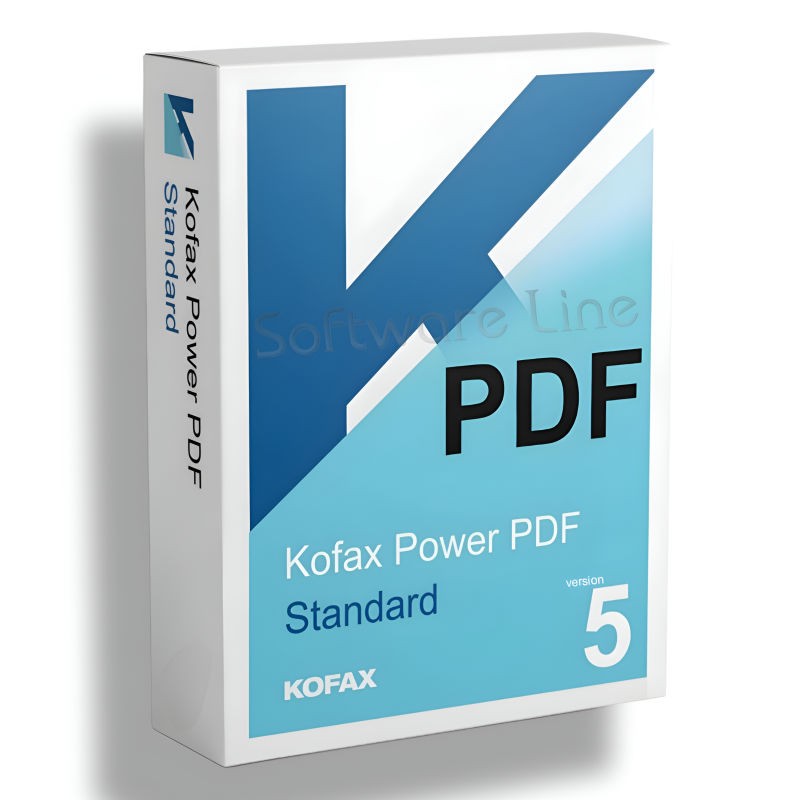
Kofax Power PDF Standard V5 | WIN (One-Time Purchase)
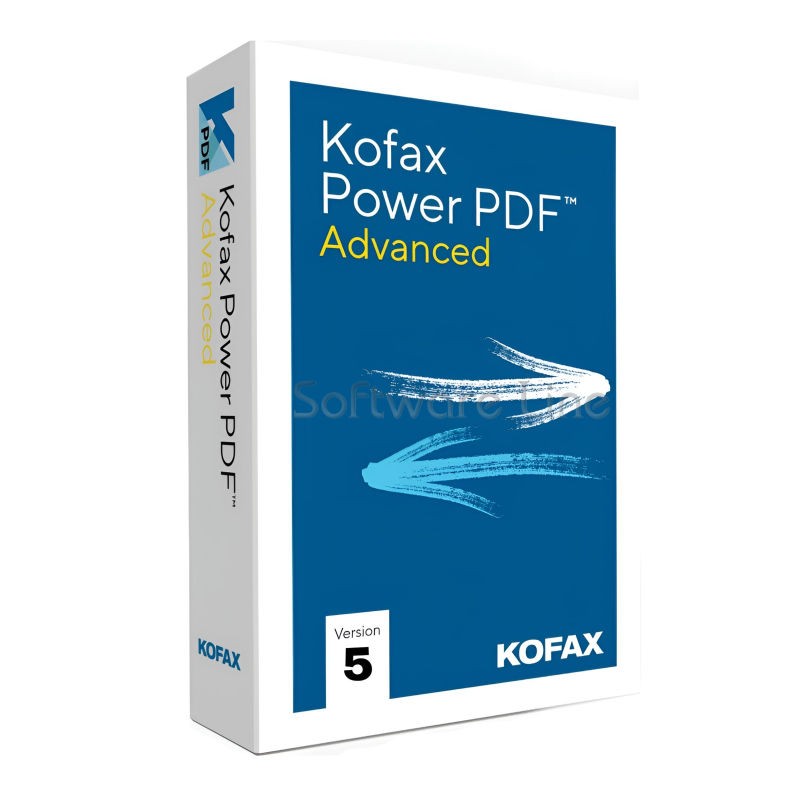
Kofax Power PDF Advance V5 | WIN (One-Time Purchase)
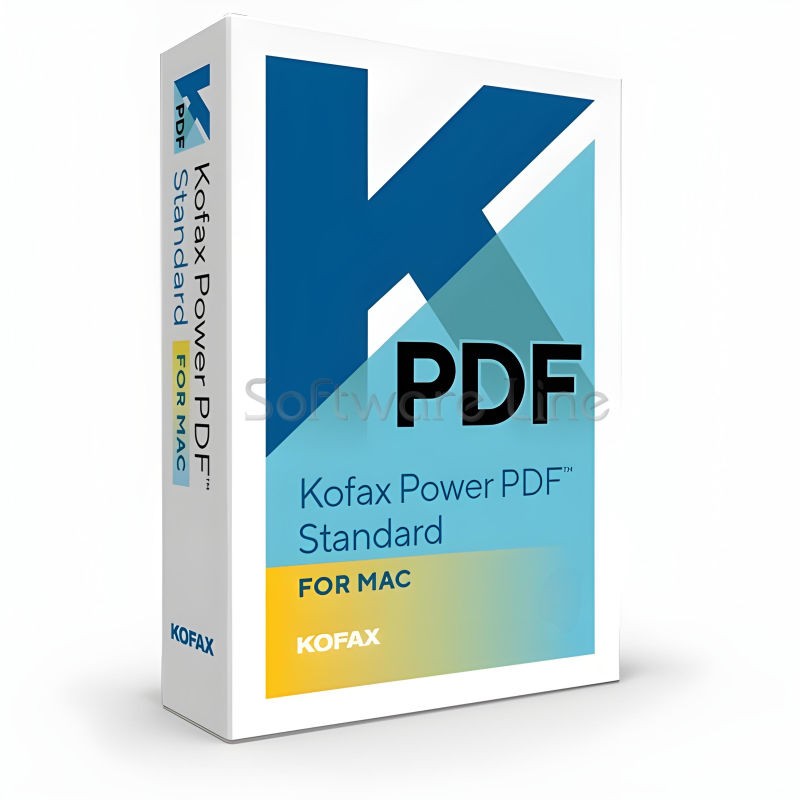
Kofax Power PDF for MAC (One-Time Purchase)
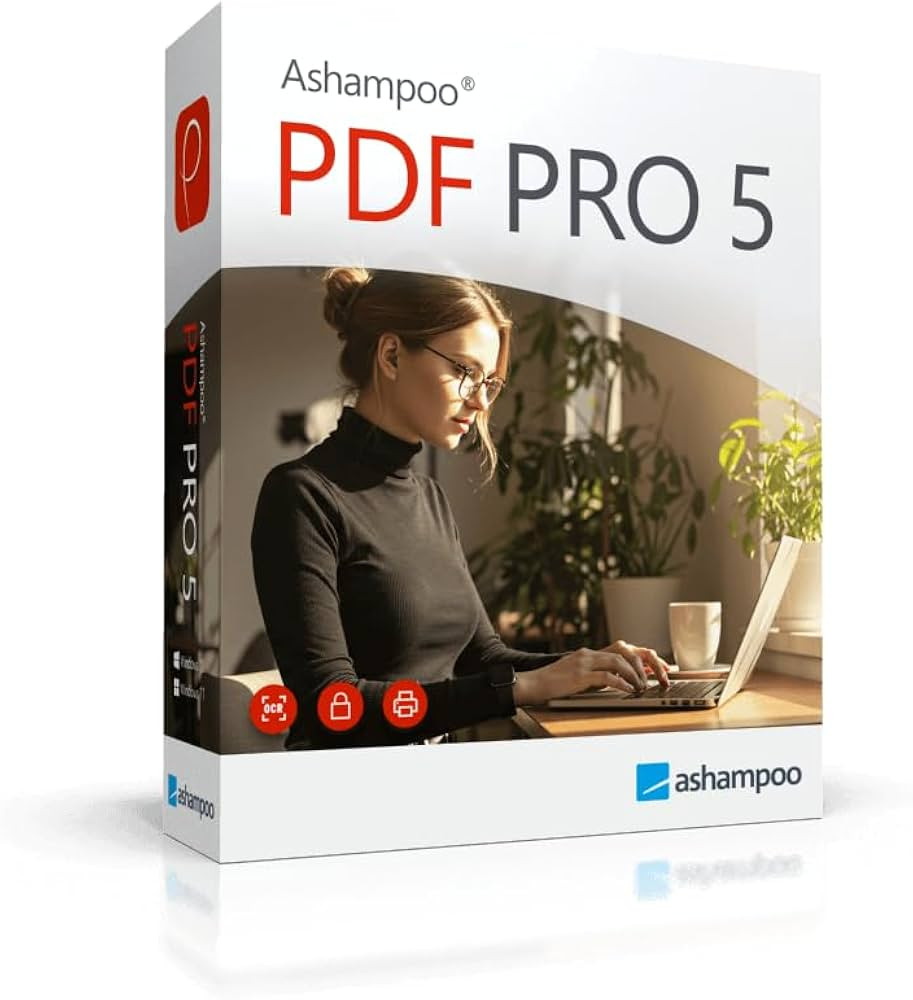
Ashampoo PDF Pro 5 | Windows

Copyright © 2003-2018. Software Line Trading LLC. All rights reserved. Software Line, the Software Line logo are trademarks or registered trademarks of Software Line. All products, articles, brands, and logos of the manufacturers represented on this website may be subject to the trademarks and copyrights of the respective companies.

Contact Info
- Address: M17-A, Computer Plaza, Al-Ain Center, Mankhool Street, Bur Dubai P.O. Box # 44614, Dubai (UAE)
- Phone: +971 4 3591317 / 3514175
- Email: Info@softwareline.ae