
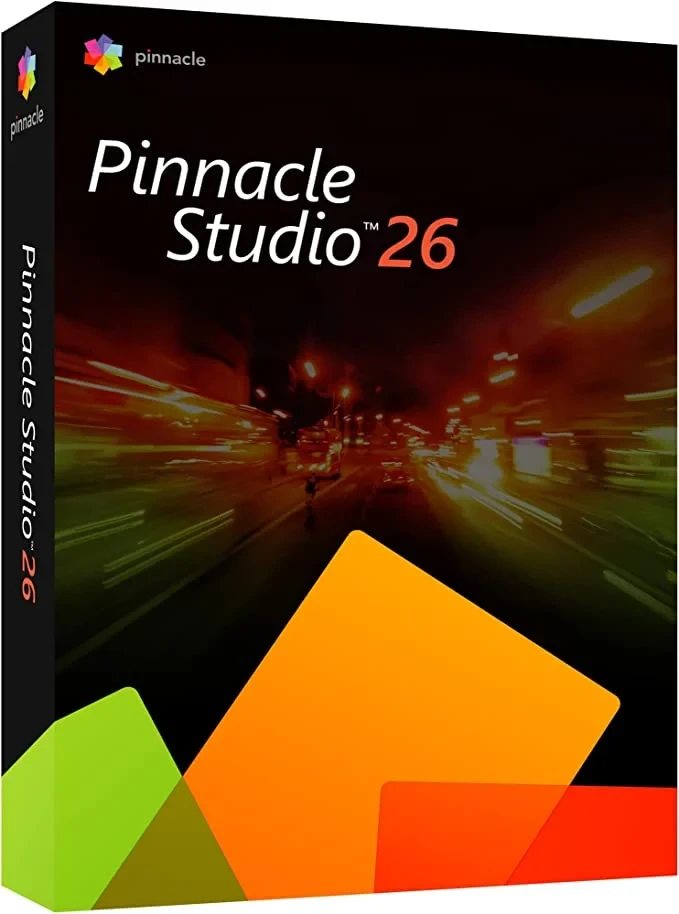
Pinnacle Studio 26 Standard

This new version of Pinnacle is faster, better, and more efficient than ever before - and we have you to thank for that. Based on your feedback, we've strengthened the product and focused on the most important editing processes to deliver real improvements in the aspects that really matter to you, as well as our most streamlined and smooth editing experience in years. Pinnacle Studio 26 brings noticeable improvements to the user experience that go beyond simple bug fixes and user interface tweaks - we've updated the structure of the product with changes in everything from behavioral logic to resource management to a brand new proxy codec. Enjoy a streamlined workflow with significantly improved stability, performance, and usability, and focus entirely on the creative side of video editing!
-

Avast Premium Security
AED 49.00 -
Panda Dome Complete 1 Device 1 Year
AED 56.19


MultiCam Editing
With MultiCam Editing, you can edit video with up to six cameras to show a scene from different perspectives and with varying levels of detail.
MultiCam Capture and Screen Recording
Easily and seamlessly record your screen and capture webcam footage with the enhanced MultiCam Capture 2.0 Lite. Add audio overlays to record engaging tutorials, game videos or webinars. Use this tool for vlogging, creating channel content or producing business videos.
ULTIMATELY EXCLUSIVE Split-screen template creator
Combine two or more separately filmed videos on one screen. Use this popular technique to create promotional or comparison videos, to show different game strategies, or to better illustrate one of your stories.
ULTIMATELY EXCLUSIVE 360° Video Editor
Play with fun perspectives and 3D effects (Tiny Planet, Rabbit Hole) to bring entertaining moments to your movies. Easily edit your 360° footage and create stunning panoramas!
Operating System:
Processor*:
Intel Core i5 or i7 1.06 GHz or higher required for AVCHD and Intel Quick Sync video support
RAM: 4 GB or higher, 8+GB recommended for UHD, multi-camera or 360 video
Graphics Card: Minimum resolution 1024 x 768, 256 MB VGA VRAM minimum, 512 MB or more recommended for hardware decode acceleration
DirectX graphics device recommended:
NVIDIA GeForce 700 series / Quadro 600 (Fermi-based) or later (CUDA-enabled for CUDA support required)
ATI Radeon HD 5XXX series or later
Intel HD Graphics Ivy Bridge or later
3D Titler requires DirectX 11
Sound card: Windows-compatible sound card
Hard drive space: 10 GBhard drive space required for full installation
Internet connection required for installation, registration, and updates. Registration required to use product.
Imported formats
Video: AVCHD, DV, HDV, AVI, MPEG-1/-2/-4, Flash, 3GP (MPEG-4, H.263), WMV, non-encrypted DVD titles (including DVD-VR/+VR), MOV (DV, MPEG-4, H.264), HEVC** (H.265), XAVC, MXF, DVCPRO HD, XAVC S, GoPro LRV, Cineform
Audio: MP3, MPA, M4A, WAV, AMR, AC3, AAC, Vorbis, WMA
Image: BMP, GIF, JPG, JPS, J2K, PCX, PNG, PSD, TGA, TIF, WMF
Export formats
Disc: DVD, AVCHD, Blu-ray ($)
Video: DV, HDV, AVI, WMV, MPEG-1/-2/-4, Flash, 3GP, HEVC** (H.265, H.264), XAVC S, MOV, M2TS, FLV, 3GP, GIF, Cineform
Image: BMP, JPEG, TIF, TGA
Audio: AC3, MP2, MP3, MP4, WAV
Accessories
DVD burner is required to create DVD and AVCHD discs
A separate plug-in for the product must be purchased to burn Blu-ray discs.
Related products
Adobe Acrobat Pro DC 1 Year 1 User
Adobe Acrobat Standard DC 1 Year 1 User

Adobe Acrobat Pro 2020 Perpetual (Life Time) 1 User
Adobe Acrobat Pro 2020 Perpetual (Life Time) 1 User
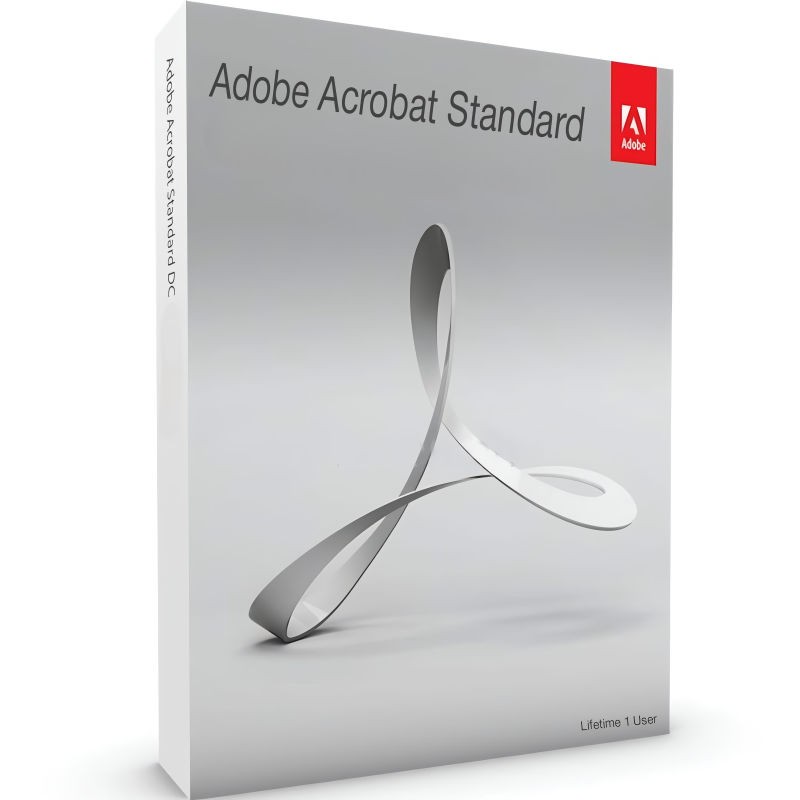
Adobe Acrobat Standard 2020 Perpetual (Life Time) 1 User
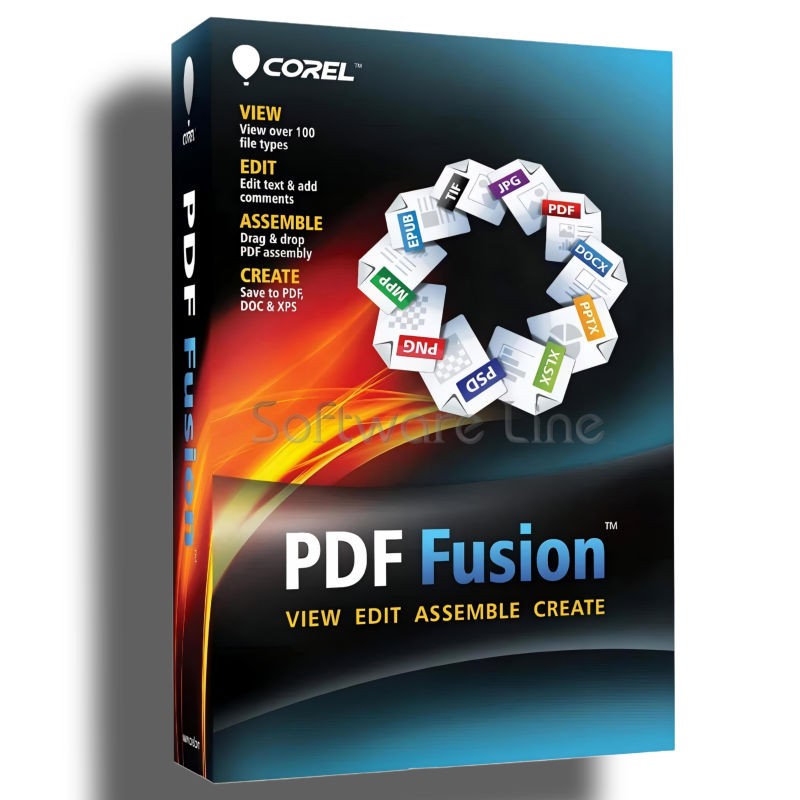
Corel PDF Fusion One-Time Purchase
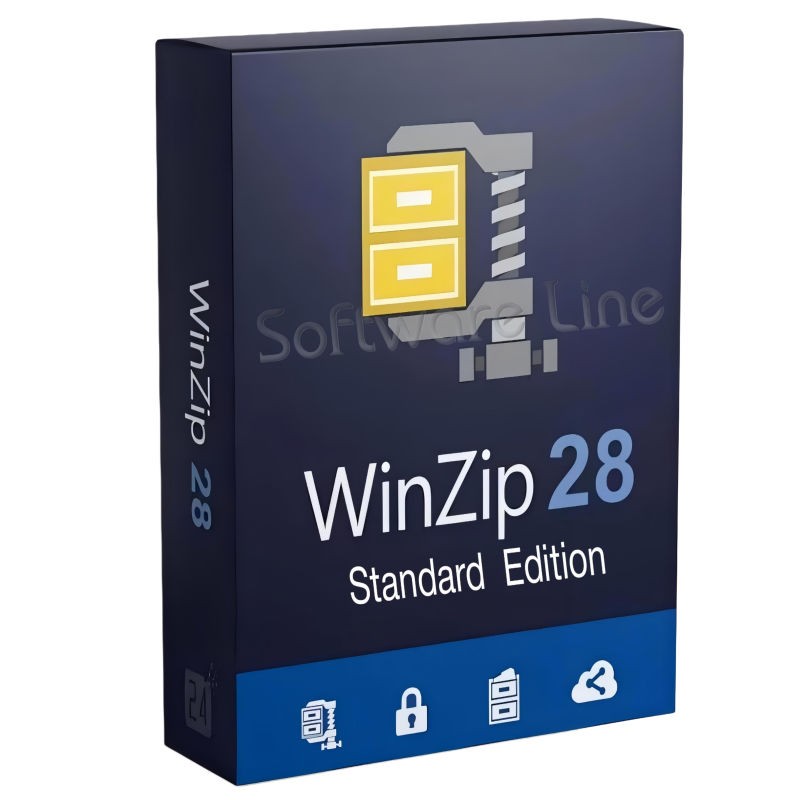
Corel WinZip 28 Standard Edition
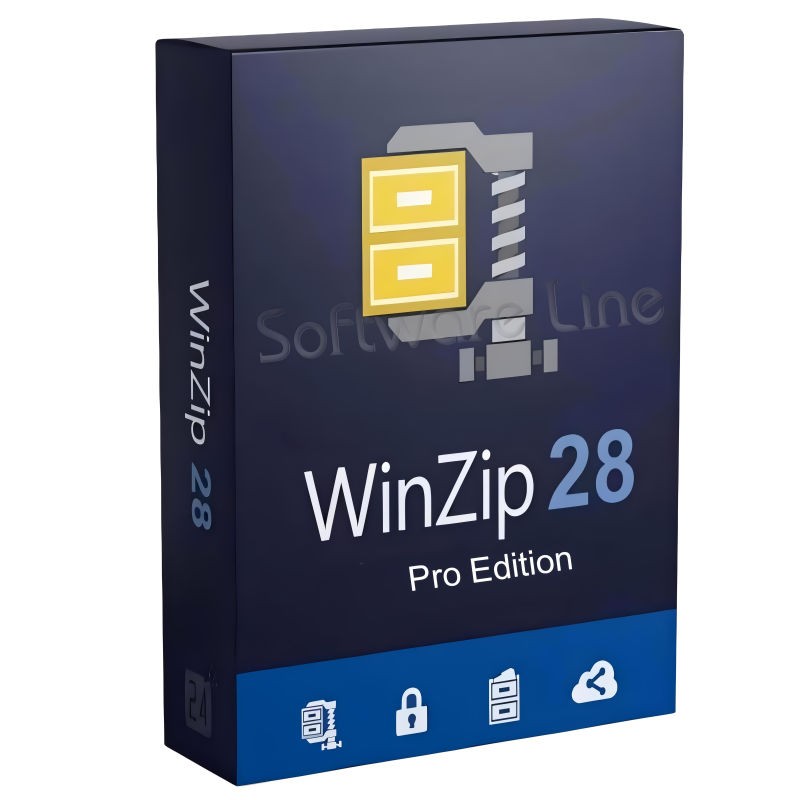
Corel WinZip 28 Pro Edition

Kofax Power PDF Standard V5 | WIN (One-Time Purchase)

Kofax Power PDF Advance V5 | WIN (One-Time Purchase)

Copyright © 2003-2018. Software Line Trading LLC. All rights reserved. Software Line, the Software Line logo are trademarks or registered trademarks of Software Line. All products, articles, brands, and logos of the manufacturers represented on this website may be subject to the trademarks and copyrights of the respective companies.

Contact Info
- Address: M17-A, Computer Plaza, Al-Ain Center, Mankhool Street, Bur Dubai P.O. Box # 44614, Dubai (UAE)
- Phone: +971 4 3591317 / 3514175
- Email: Info@softwareline.ae