
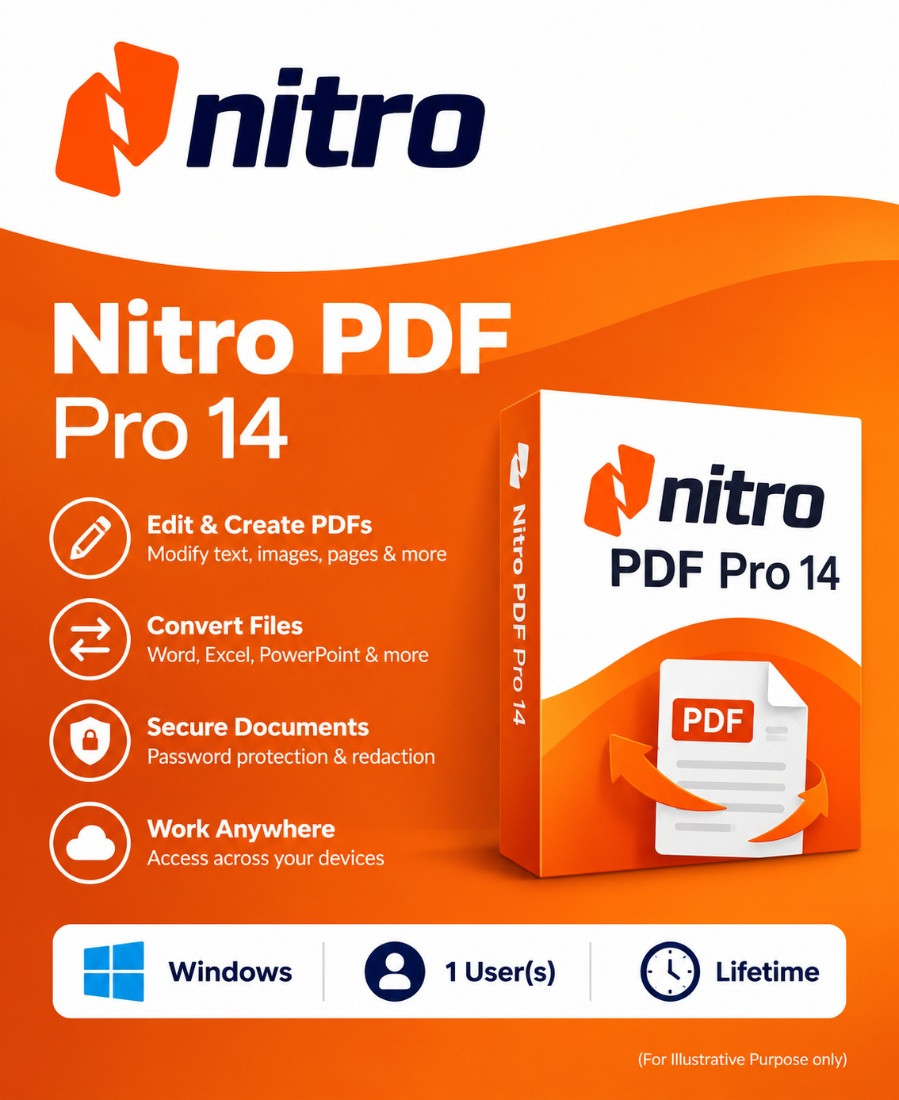
Nitro PDF Pro 14 Windows 1 User(s) Lifetime
Nitro PDF Pro 14 - The ultimate PDF solution for Windows and macOS
Powerful PDF functions
Nitro PDF Pro 14 offers you powerful functions for creating, editing and converting PDF documents. Whether you want to create PDFs, edit text and images or convert PDFs to other formats, Nitro PDF Pro 14 gives you all the tools you need to achieve professional results.
-

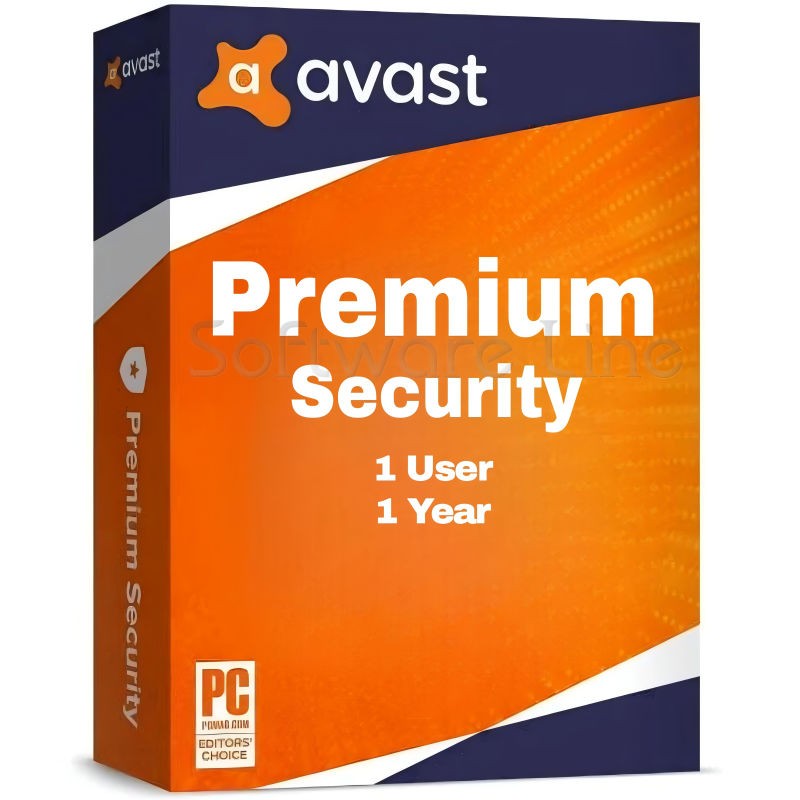
Avast Premium Security
AED 49.00 -
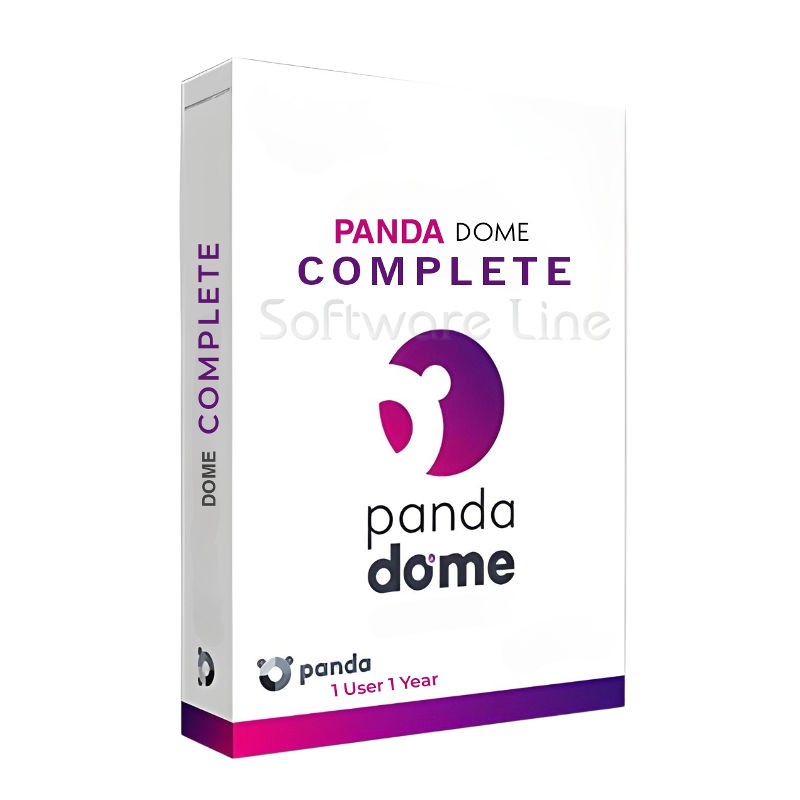
Panda Dome Complete 1 Device 1 Year
AED 56.19 -
Norton 360
AED 75.24 -
AVG Internet Security
AED 29.00 -
PDF-XChange Tools 1 User 1 Year | Windows
AED 380.00

PDF Editing — Edit text, images, pages, headers, footers, and document content directly inside PDFs.
Create PDFs — Create professional PDF documents from various file types, including scanned documents.
PDF Conversion — Convert PDFs to editable Microsoft Word, Excel, and PowerPoint formats while retaining formatting.
OCR Technology — Convert scanned PDFs and images into searchable and editable text.
Merge & Combine PDFs — Combine multiple files and documents into a single PDF.
PDF Forms — Create and fill interactive PDF forms, including signature fields.
Electronic Signatures — Add QuickSign and digital signatures to documents and integrate with Nitro Sign.
Annotations & Markup — Add comments, highlights, stamps, notes, and other markup to PDFs.
Redaction & Security — Permanently remove sensitive information and protect documents using passwords and permissions.
PDF Compression — Optimize PDF file sizes while maintaining document quality.
Microsoft Office Integration — Integration with Word, Excel, PowerPoint, and Outlook through Office add-ins.
Cloud & DMS Integration — Supports services such as OneDrive, SharePoint, Dropbox, and Box for document workflows.
Component Requirement
Operating systems Windows 11 or Windows 10
macOS 10.14 (Mojave) or higher
iPadOS 15 or higher
iOS 15 or higher
Server Microsoft Windows Server 2016 and 2019
Processor 1.5 GHz or faster, Intel 64-bit, Apple M1 or higher
Intel 64-bit, Apple M1 or higher
RAM Up to 2 GB
Available hard disk space 4.5 GB
Screen resolution 1024x768 (Windows)
Related products
Adobe Acrobat Pro DC 1 Year 1 User
Adobe Acrobat Standard DC 1 Year 1 User
Adobe Acrobat Pro 2020 Perpetual (Life Time) 1 User
Adobe Acrobat Pro 2020 Perpetual (Life Time) 1 User
Adobe Acrobat Standard 2020 Perpetual (Life Time) 1 User
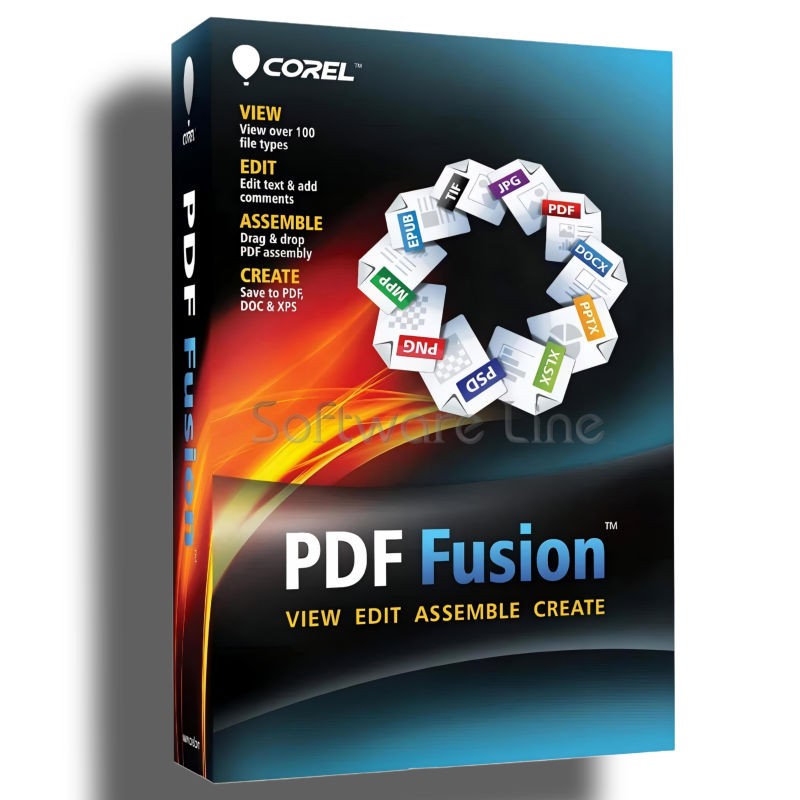
Corel PDF Fusion One-Time Purchase
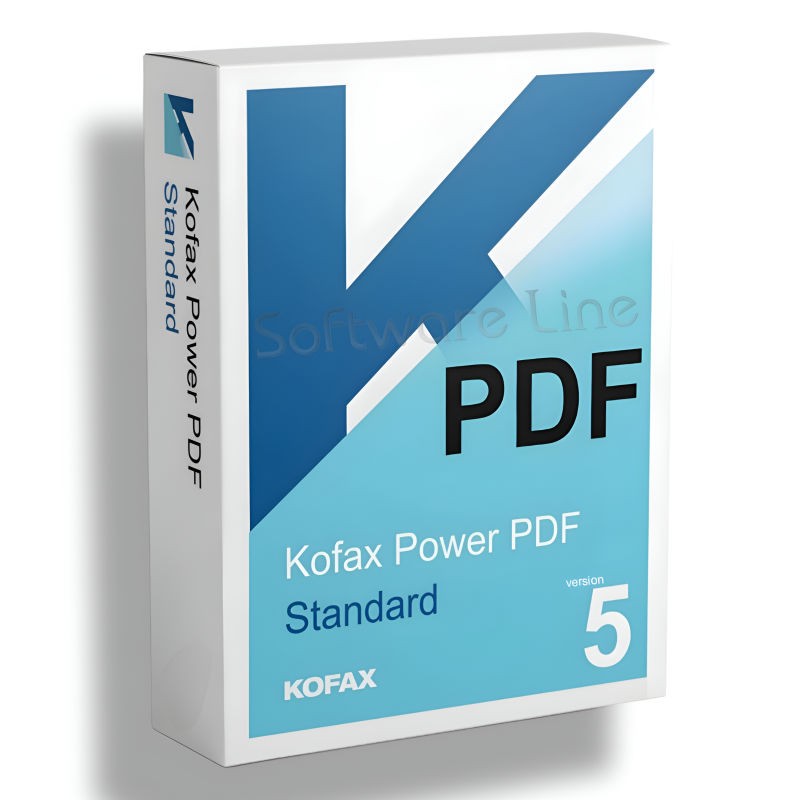
Kofax Power PDF Standard V5 | WIN (One-Time Purchase)
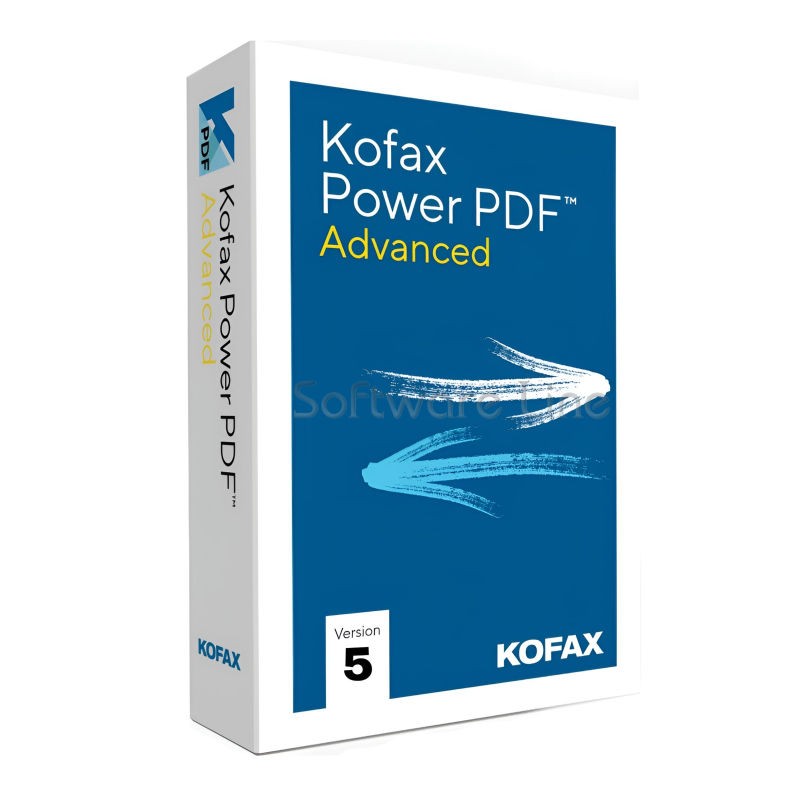
Kofax Power PDF Advance V5 | WIN (One-Time Purchase)
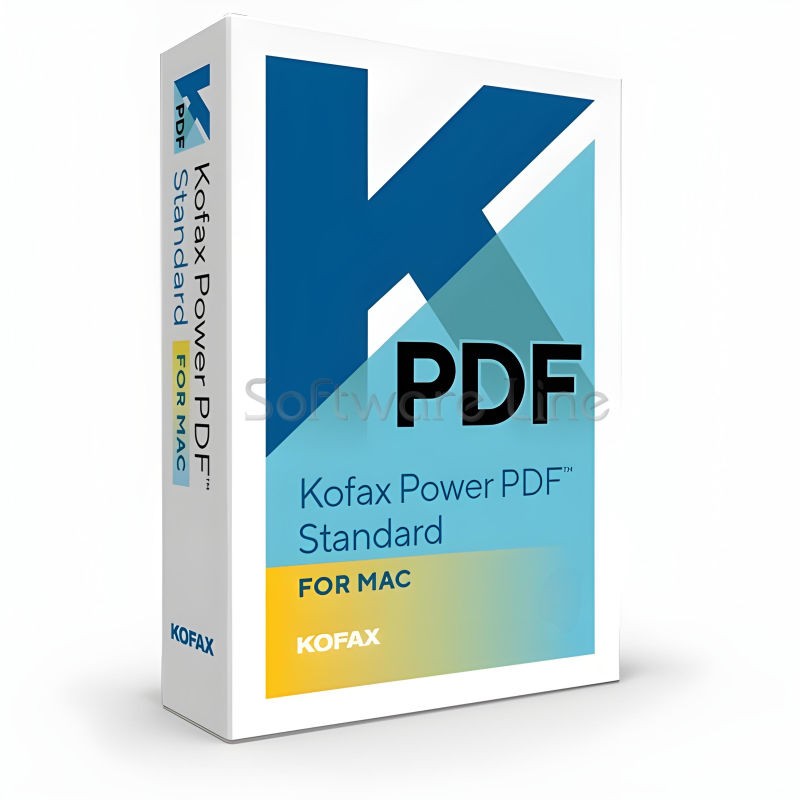
Kofax Power PDF for MAC (One-Time Purchase)
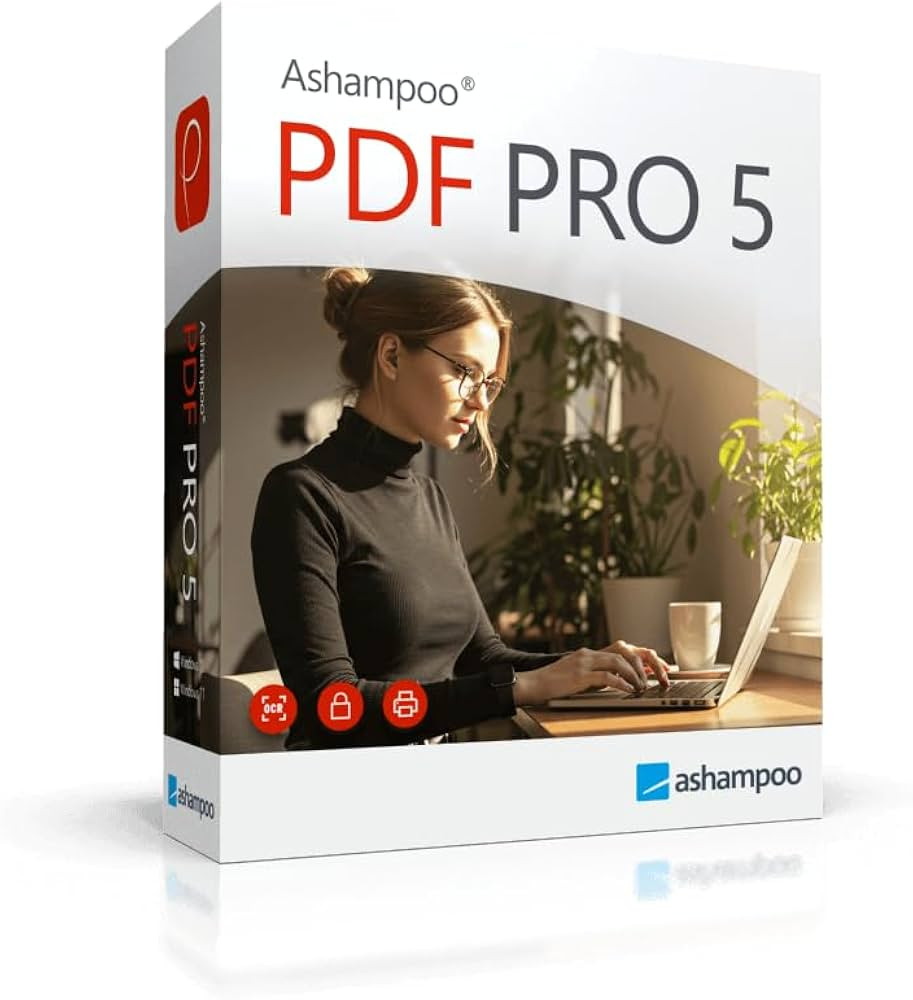
Ashampoo PDF Pro 5 | Windows

Copyright © 2003-2018. Software Line Trading LLC. All rights reserved. Software Line, the Software Line logo are trademarks or registered trademarks of Software Line. All products, articles, brands, and logos of the manufacturers represented on this website may be subject to the trademarks and copyrights of the respective companies.

Contact Info
- Address: M17-A, Computer Plaza, Al-Ain Center, Mankhool Street, Bur Dubai P.O. Box # 44614, Dubai (UAE)
- Phone: +971 4 3591317 / 3514175
- Email: Info@softwareline.ae