
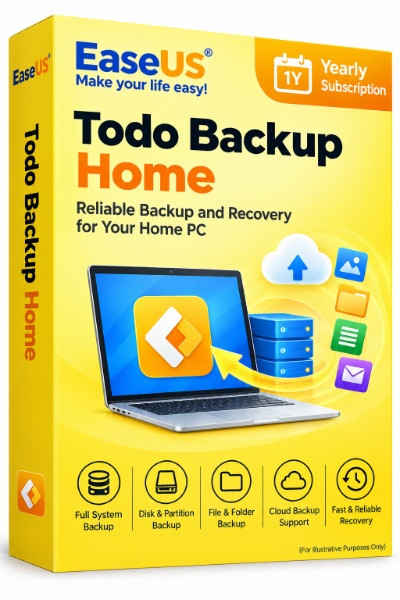
EaseUS Todo Backup Home (Yearly Subscription)
EaseUS Todo Backup Home is an easy-to-use backup and recovery software designed to protect personal computers, important files, and Windows operating systems from data loss. It allows users to create backups of files, folders, entire disks, partitions, and system data, making it easier to restore information after accidental deletion, system crashes, malware infections, or hardware failures.
-

Avast Premium Security
AED 49.00 -
Panda Dome Complete 1 Device 1 Year
AED 49.00 -
AVG Internet Security
AED 29.00 -
Bitdefender Total Security
AED 49.00 -
Panda Dome Essential 1 Device 1 Year
AED 29.00

System Backup and Recovery: Back up Windows system files and boot partitions for system restoration.
File and Folder Backup: Protect documents, photos, videos, and other important personal files.
Disk and Partition Backup: Create complete backups of hard drives and selected partitions.
Scheduled Automatic Backup: Set up recurring backups to help keep important data protected.
Full, Incremental and Differential Backup: Choose different backup strategies based on storage requirements and backup frequency.
Disk Cloning: Copy a hard drive or partition to another storage device.
System Cloning: Transfer Windows and boot-related partitions to a compatible SSD or replacement drive.
HDD to SSD Migration: Move an existing Windows installation to a new drive.
Cloud and Network Backup: Store backups on supported cloud services, network shares, NAS devices, or external drives.
Outlook Email Backup: Back up supported Outlook mail data and related items.
Security Zone: Store backup images in a protected partition designed to help prevent unauthorized access by malware and ransomware.
WinPE Bootable Media: Create emergency boot media to help recover a computer that cannot start normally.
Requirement | Specification |
|---|---|
Operating System | Windows 11, 10, 8.1, 8, 7, Vista, XP |
Processor | 500 MHz or faster, x86-compatible |
RAM | Minimum 1 GB; 2 GB recommended for Windows 8/8.1/10 in the published documentation |
Available Disk Space | Minimum 1 GB |
Supported File Systems | NTFS, FAT32, FAT16, FAT12 |
Supported Storage Devices | HDD, SSD, hardware RAID, USB drives, flash drives |
Supported Disk Types | MBR and GPT |
Maximum Disk Capacity | Up to 16 TB; published specification lists support for up to 32 disks |
Bootable Media | Compatible CD/DVD drive or USB storage device, where applicable |
Internet Connection | Required for certain activation, account, and cloud features |
Related products
Ashampoo Backup Pro 27
Ashampoo Win Optimizer 29
Ashampoo UnInstaller 16
Ashampoo ZIP Pro 4 | Windows
CCleaner Professional Windows 1 Device 1 Year
CCleaner Professional Windows 3 Device 1 Year
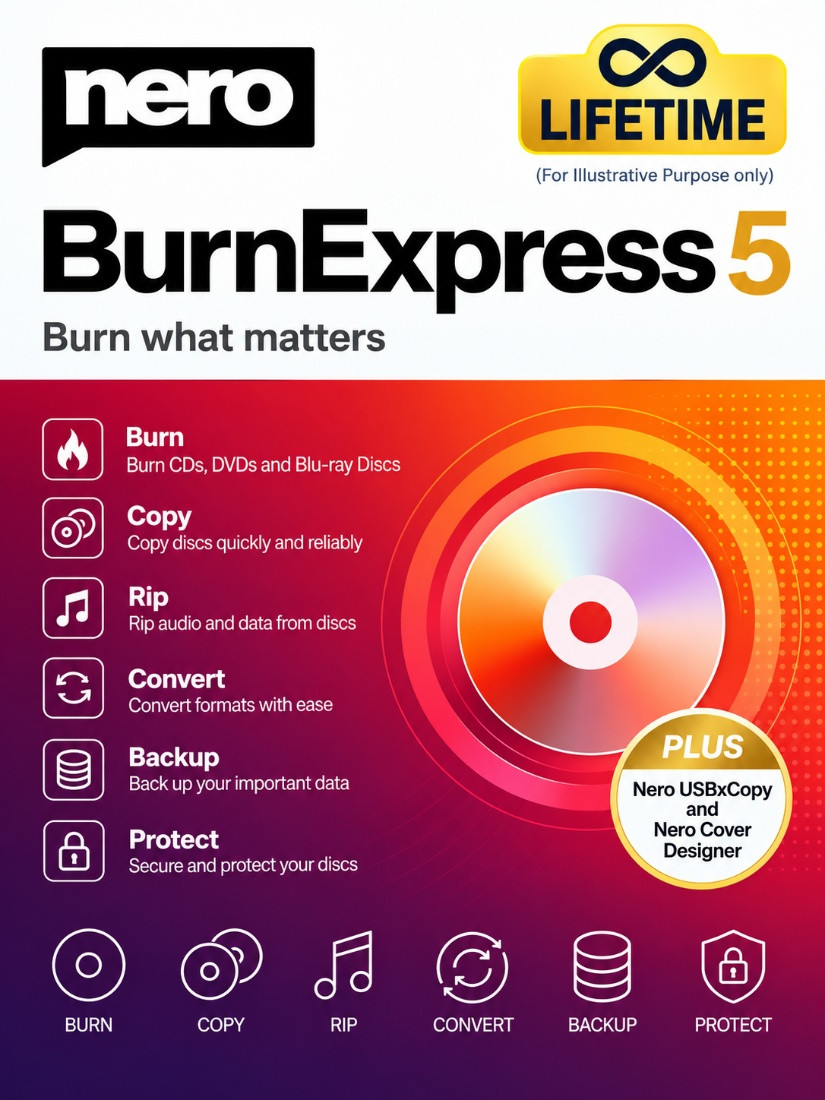
Nero Burn Express 5 Lifetime
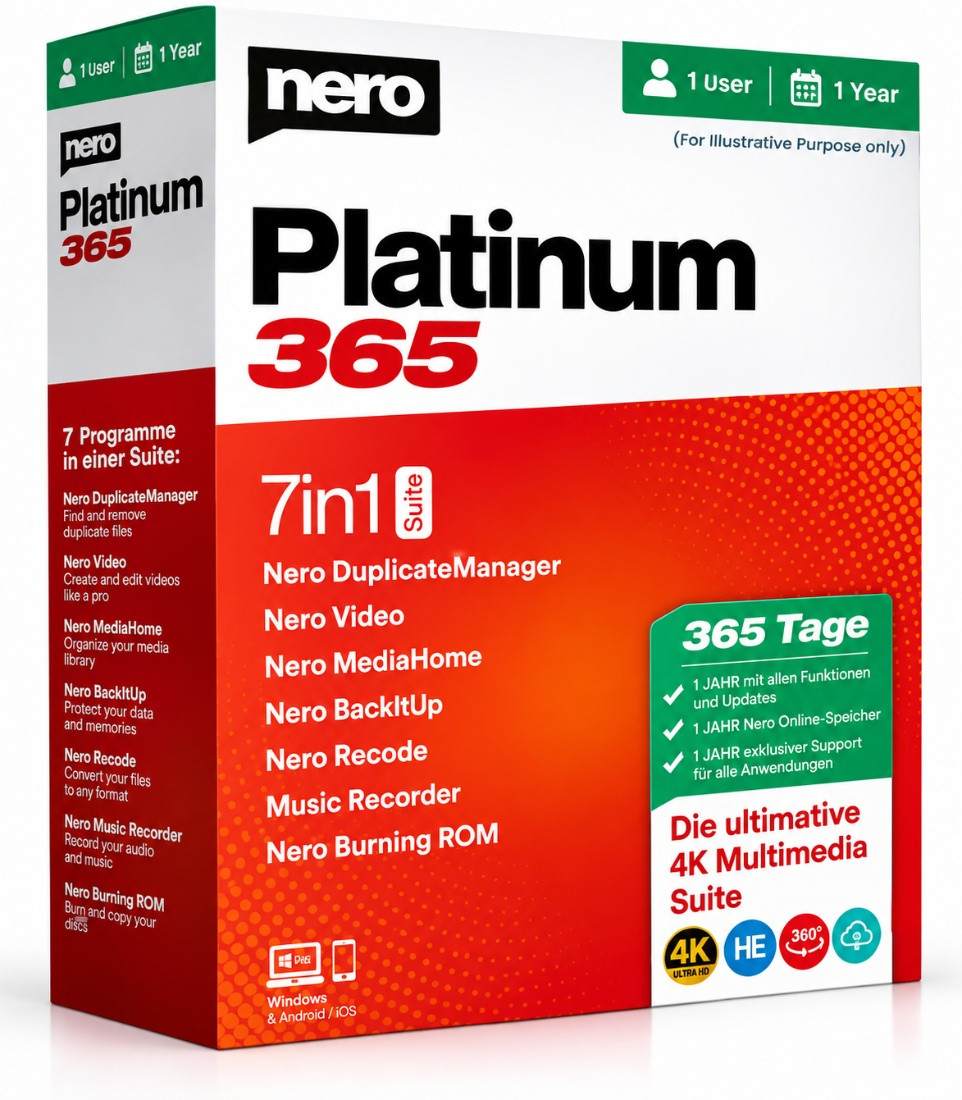
Nero Platinum 365 1 Year 1 User
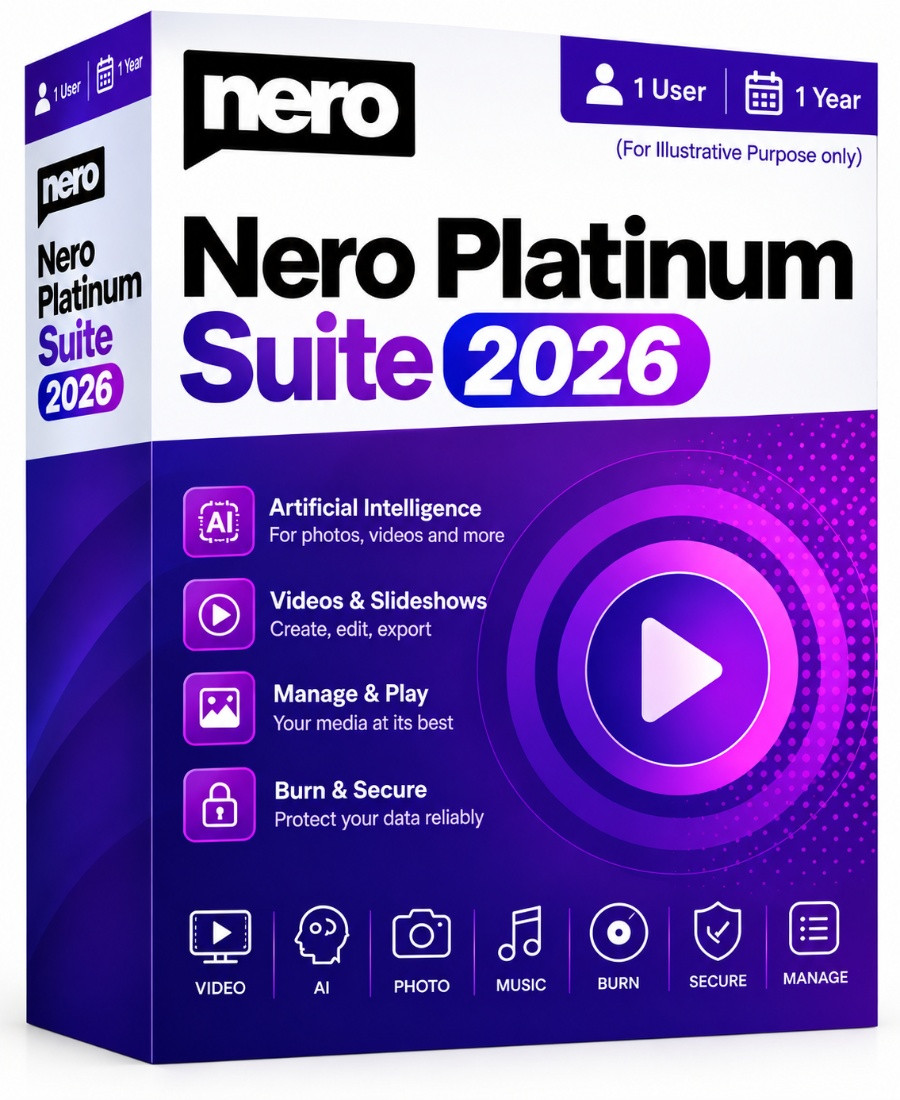
Nero Platinum Suite 2026 1 year 1 User
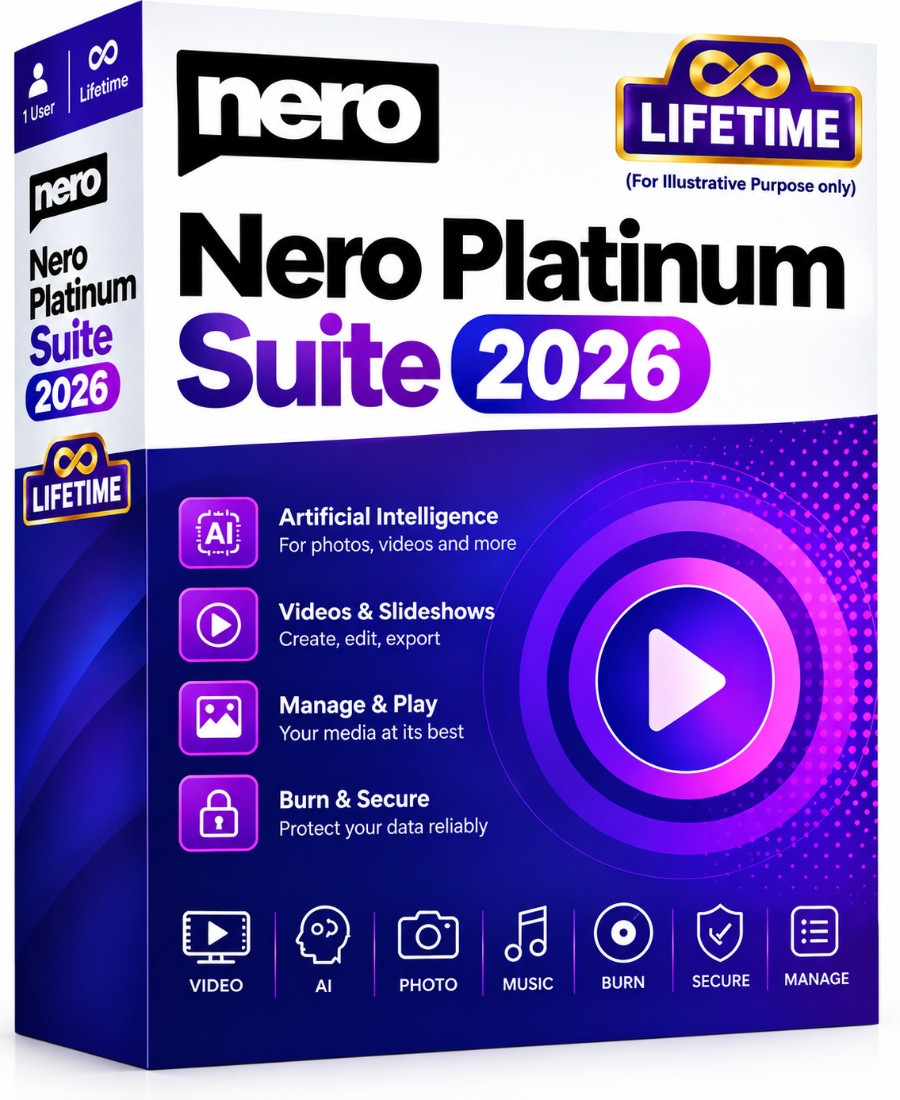
Nero Platinum Suite 2026 Lifetime

Copyright © 2003-2018. Software Line Trading LLC. All rights reserved. Software Line, the Software Line logo are trademarks or registered trademarks of Software Line. All products, articles, brands, and logos of the manufacturers represented on this website may be subject to the trademarks and copyrights of the respective companies.

Contact Info
- Address: M17-A, Computer Plaza, Al-Ain Center, Mankhool Street, Bur Dubai P.O. Box # 44614, Dubai (UAE)
- Phone: +971 4 3591317 / 3514175
- Email: Info@softwareline.ae