
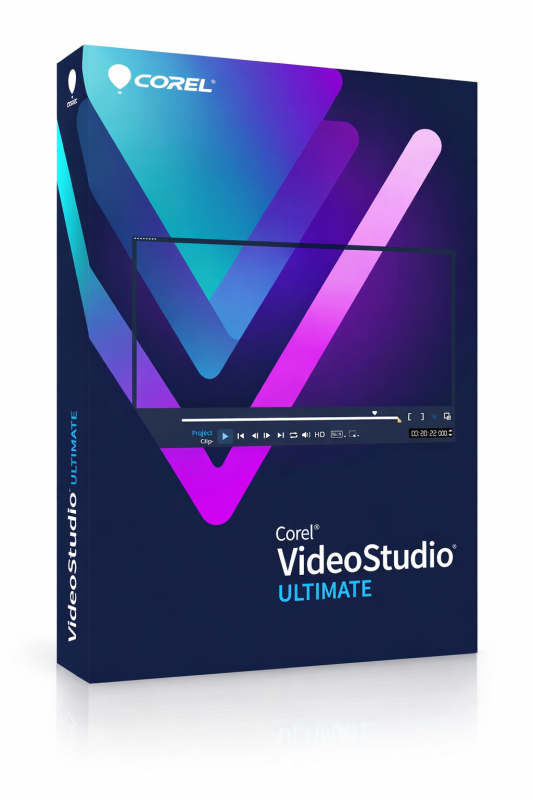
Corel VideoStudio Ultimate 2023

Based on the Best-Software.de product page, Corel VideoStudio Ultimate 2023 is a professional yet beginner-friendly video editing software for Windows. It includes all the features of the Pro edition, along with exclusive premium effects, advanced editing tools, and creative plug-ins designed for content creators, YouTubers, filmmakers, educators, and video professionals. The software offers a one-time purchase license with no recurring subscription.
-

Avast Premium Security
AED 49.00 -
Panda Dome Complete 1 Device 1 Year
AED 49.00 -
AVG Internet Security
AED 29.00 -
Bitdefender Total Security
AED 49.00 -
Panda Dome Essential 1 Device 1 Year
AED 29.00




Professional Video Editing
VideoStudio Ultimate 2023 provides a complete set of tools for creating high-quality videos with an intuitive drag-and-drop interface. Users can:
Trim, split, merge, and crop video clips
Add transitions and visual effects
Create animated titles
Edit multiple video and audio tracks
Apply filters and overlays
Export videos in various formats
Its streamlined workflow makes it suitable for both beginners and experienced editors.
Premium Ultimate Features
The Ultimate edition includes several advanced tools that are not available in the Pro version, such as:
Video Masking for creative compositing and special effects
Advanced Color Grading for cinematic color correction
3D Title Editor for professional animated titles
Audio Cues to synchronize video edits with music beats
Face Recognition for automatically organizing people in video projects
Premium creative filters and effects from leading developers such as NewBlueFX and proDAD
Exclusive Premium Effects Collection
VideoStudio Ultimate includes an extensive collection of premium creative content, including:
NewBlueFX visual effects
proDAD Mercalli video stabilization
proDAD Adorage transitions
proDAD VitaScene cinematic filters
Animated title templates
Professional overlays
Motion graphics
Broadcast-quality visual effects
These tools help users create more polished and cinematic productions.
MultiCam Capture & Screen Recording
The included MultiCam Capture Lite 2.0 application enables users to:
Record computer screens
Capture webcam footage
Record dual screens simultaneously
Combine multiple camera angles into a single project
This feature is ideal for tutorials, online courses, presentations, product demonstrations, gaming videos, and interviews.
Speech-to-Text
The built-in Speech-to-Text tool automatically converts spoken dialogue into subtitles, making videos more accessible while saving significant editing time.
GIF Creator
Users can quickly convert video clips into animated GIFs suitable for websites, social media platforms, blogs, and messaging apps.
Operating System
Windows 11 (64-bit)
Windows 10 (64-bit)
Windows 8 (64-bit)
Processor
Intel Core i3 or AMD A4 Series (minimum)
Intel Core i7 or AMD Athlon A10 recommended for HD and UHD editing
Memory
Minimum 4 GB RAM
8 GB or more recommended
Storage
Minimum 10 GB available disk space
Graphics
DirectX-compatible graphics card
Minimum 512 MB VRAM
Hardware acceleration supported
Display
Minimum resolution: 1366 × 768
Internet Connection
Required for installation, activation, registration, and software updates.
Related products

Adobe Acrobat Pro DC 1 Year 1 User
Adobe Acrobat Standard DC 1 Year 1 User

Adobe Acrobat Pro 2020 Perpetual (Life Time) 1 User
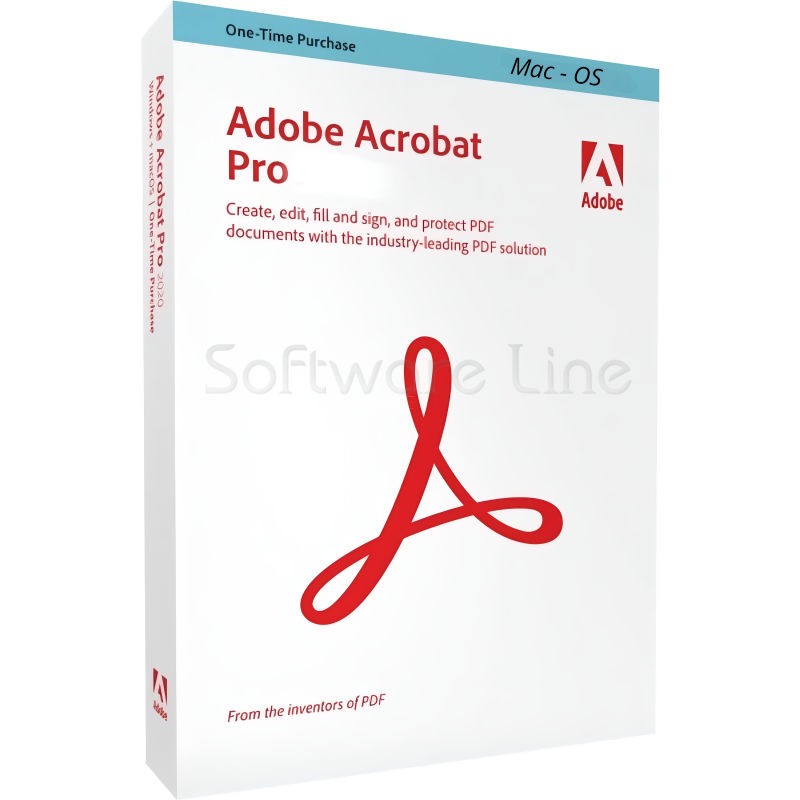
Adobe Acrobat Pro 2020 Perpetual (Life Time) 1 User

Adobe Acrobat Standard 2020 Perpetual (Life Time) 1 User
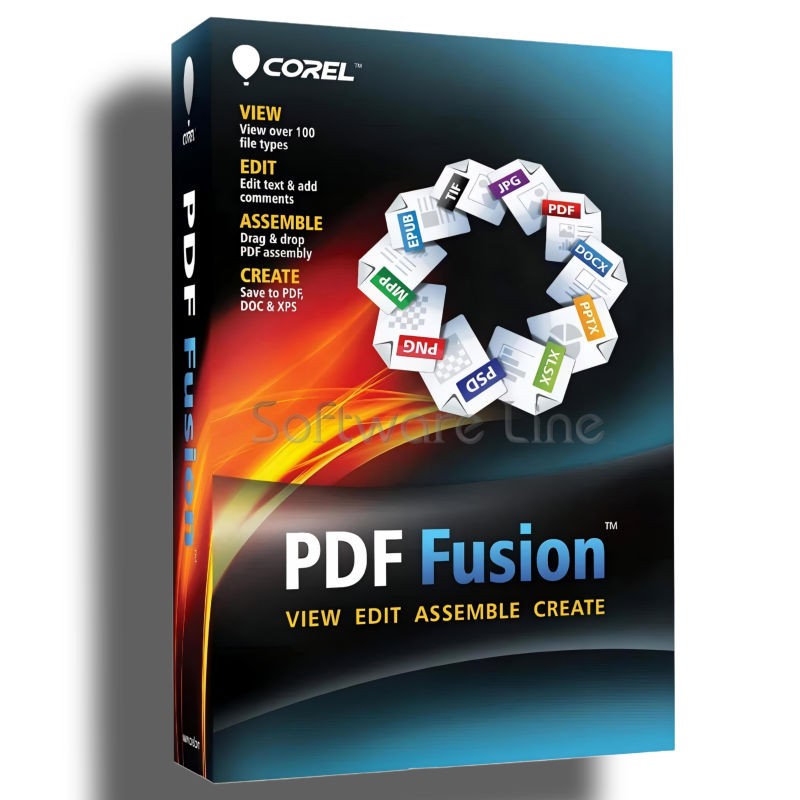
Corel PDF Fusion One-Time Purchase
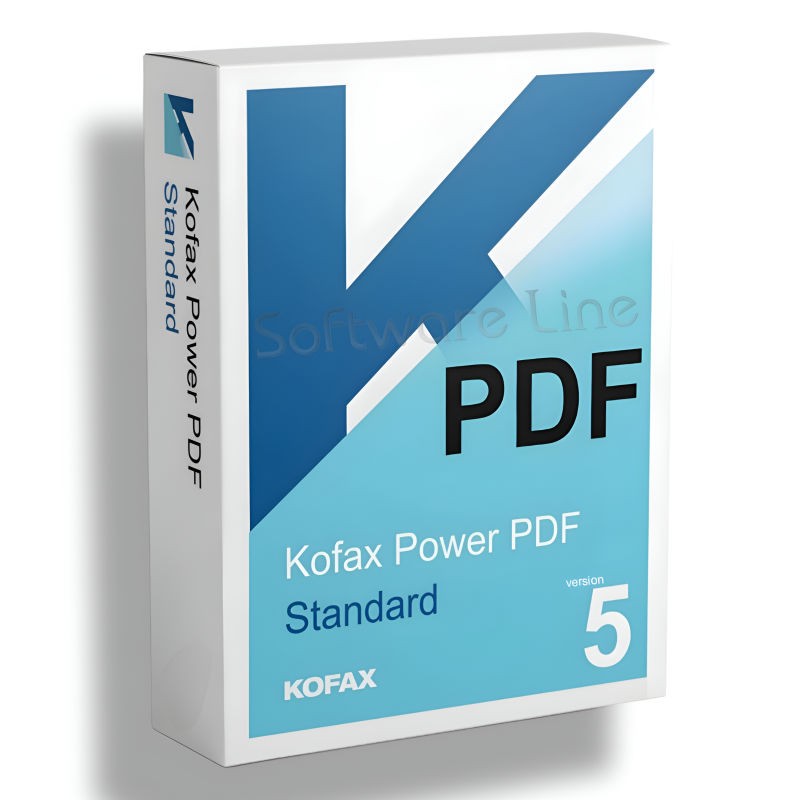
Kofax Power PDF Standard V5 | WIN (One-Time Purchase)
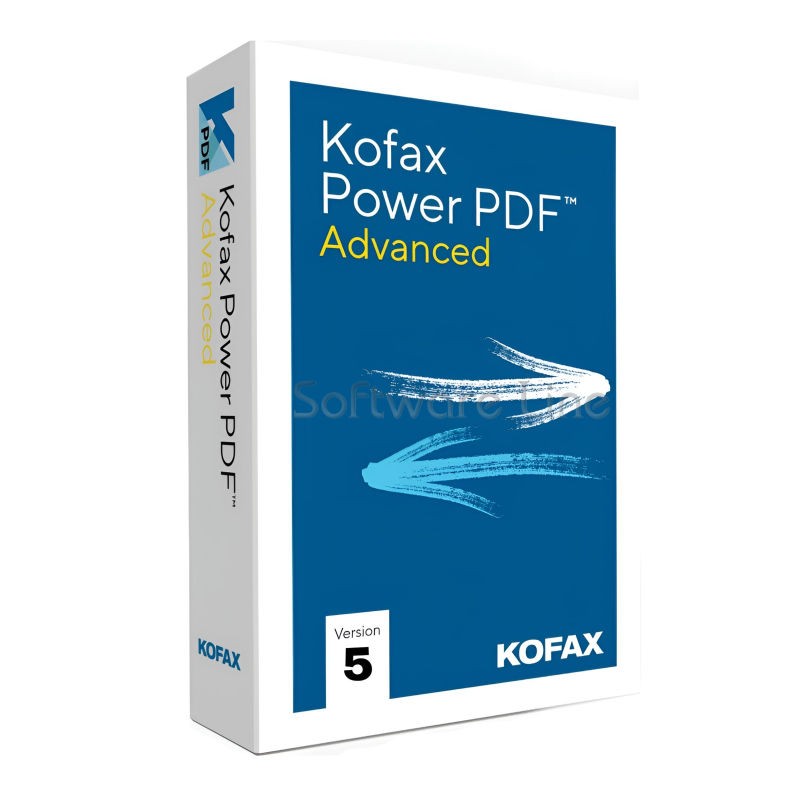
Kofax Power PDF Advance V5 | WIN (One-Time Purchase)
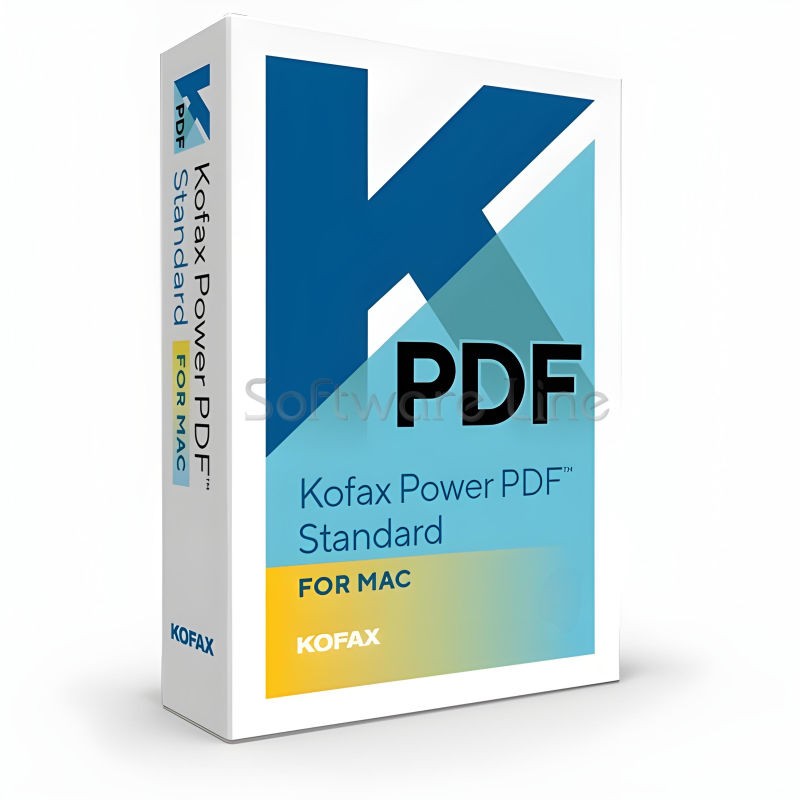
Kofax Power PDF for MAC (One-Time Purchase)

Ashampoo PDF Pro 5 | Windows

Copyright © 2003-2018. Software Line Trading LLC. All rights reserved. Software Line, the Software Line logo are trademarks or registered trademarks of Software Line. All products, articles, brands, and logos of the manufacturers represented on this website may be subject to the trademarks and copyrights of the respective companies.

Contact Info
- Address: M17-A, Computer Plaza, Al-Ain Center, Mankhool Street, Bur Dubai P.O. Box # 44614, Dubai (UAE)
- Phone: +971 4 3591317 / 3514175
- Email: Info@softwareline.ae