
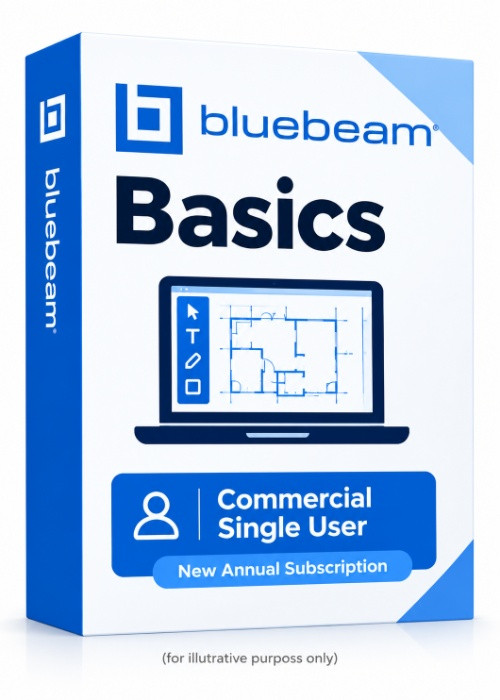
Bluebeam Basics Commercial Single User New Annual Subscription
Bluebeam Revu 21 is a professional PDF editing, markup, measurement, and collaboration software designed for architecture, engineering, and construction (AEC) professionals. It helps users review construction drawings, manage project documents, perform quantity takeoffs, compare revisions, and collaborate with project teams.
-

Avast Premium Security
AED 49.00 -
Panda Dome Complete 1 Device 1 Year
AED 49.00 -
AVG Internet Security
AED 29.00 -
Bitdefender Total Security
AED 49.00 -
Panda Dome Essential 1 Device 1 Year
AED 29.00




PDF Editing and Creation: Create, view, edit, combine, and process PDF documents.
PDF Markup Tools: Add text, highlights, shapes, stamps, comments, and annotations to drawings.
Construction Drawing Review: Review architectural, structural, and engineering drawings.
Measurement and Takeoff: Measure lengths, areas, perimeters, counts, angles, and volumes, depending on the subscription plan.
Document Comparison: Compare drawing revisions and overlay PDFs to identify changes.
Bluebeam Studio Collaboration: Collaborate with team members through Studio Sessions and manage project files.
Digital Signatures: Apply digital signatures and manage signed documents.
OCR Technology: Convert scanned documents into searchable PDFs.
Advanced Reporting: Track markups, organize comments, and generate reports.
Workflow Automation: Automate document processing, hyperlink creation, batch operations, and signatures with eligible plans.
CAD Integration: Support PDF creation workflows with compatible AutoCAD, Revit, and other design applications, depending on the plan.
AI-Powered Tools: Access AI drawing comparisons, automated design checks, and other advanced capabilities with the Max plan.
Web and Mobile Access: Access supported Bluebeam services through web browsers and mobile devices.
Secure Cloud Storage: Store and access project documents through Bluebeam's centralized storage.
Operating System
Microsoft Windows 11 (64-bit)
Microsoft Windows 10 (64-bit)
Processor
Minimum: 1 GHz processor or equivalent
Recommended for large engineering drawings: Intel Core i5 Dual-Core or better
RAM
Minimum: 8 GB
Hard Disk Space
At least 5 GB of available disk space
Display
Minimum resolution: 1024 × 768
Graphics driver supporting OpenGL 3.2 or above, or OpenGL ES 3.0 or above
OpenGL 3.0 or above required for viewing 360° photos
Additional Software
Microsoft .NET Framework 4.8 (installed automatically if the required version is not already available)
Internet Connection
Required for subscription sign-in, license authentication, and online collaboration features.
Related products
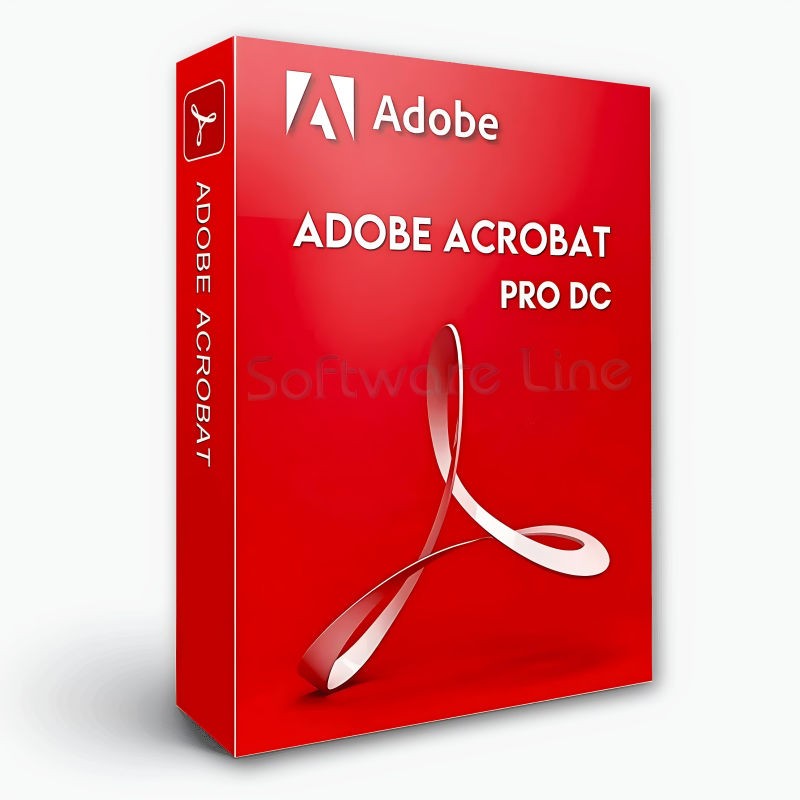
Adobe Acrobat Pro DC 1 Year 1 User
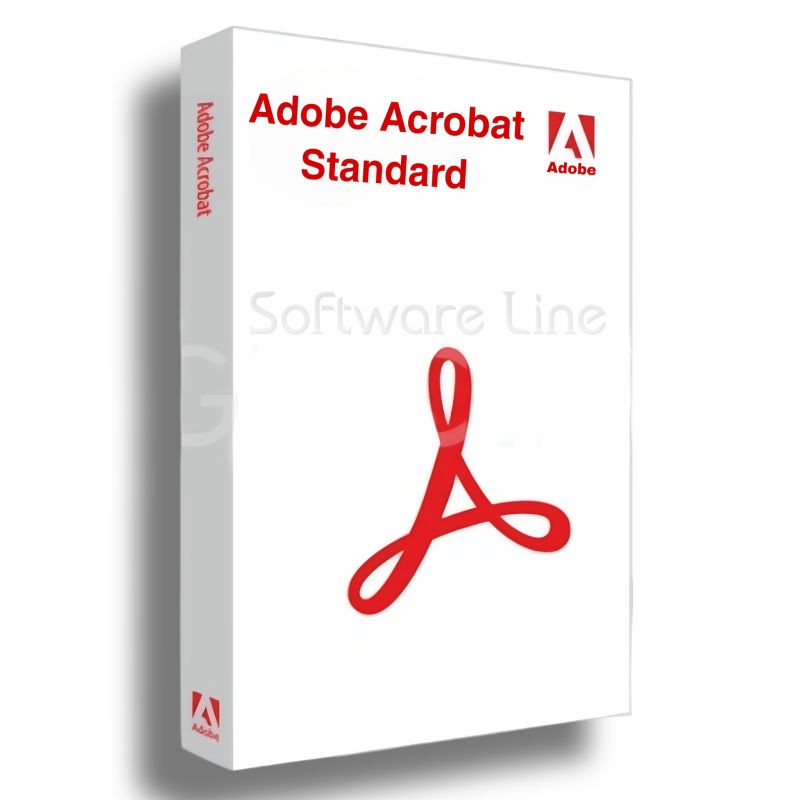
Adobe Acrobat Standard DC 1 Year 1 User

Adobe Acrobat Pro 2020 Perpetual (Life Time) 1 User
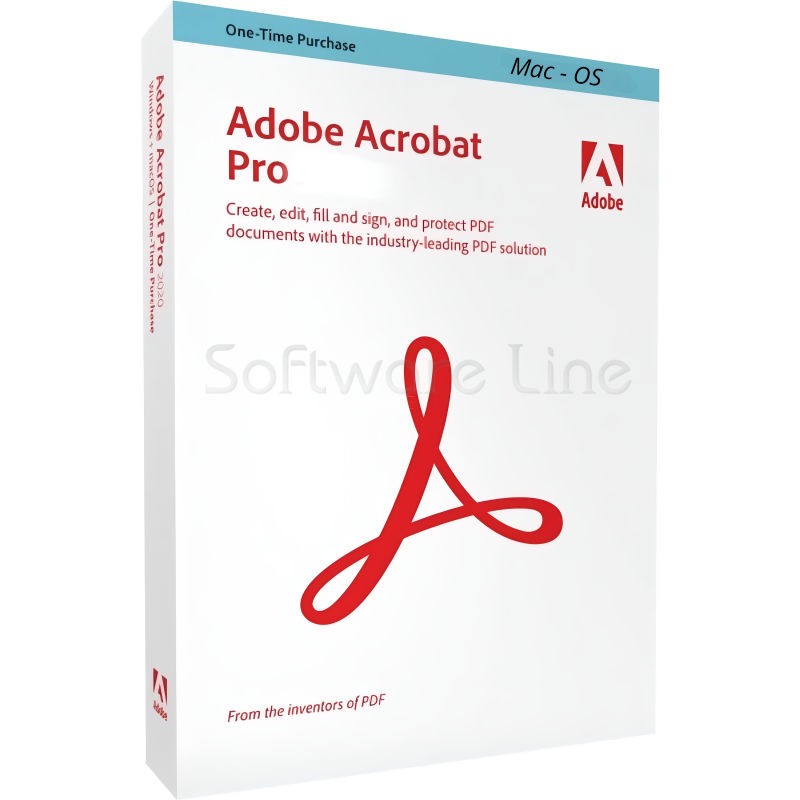
Adobe Acrobat Pro 2020 Perpetual (Life Time) 1 User
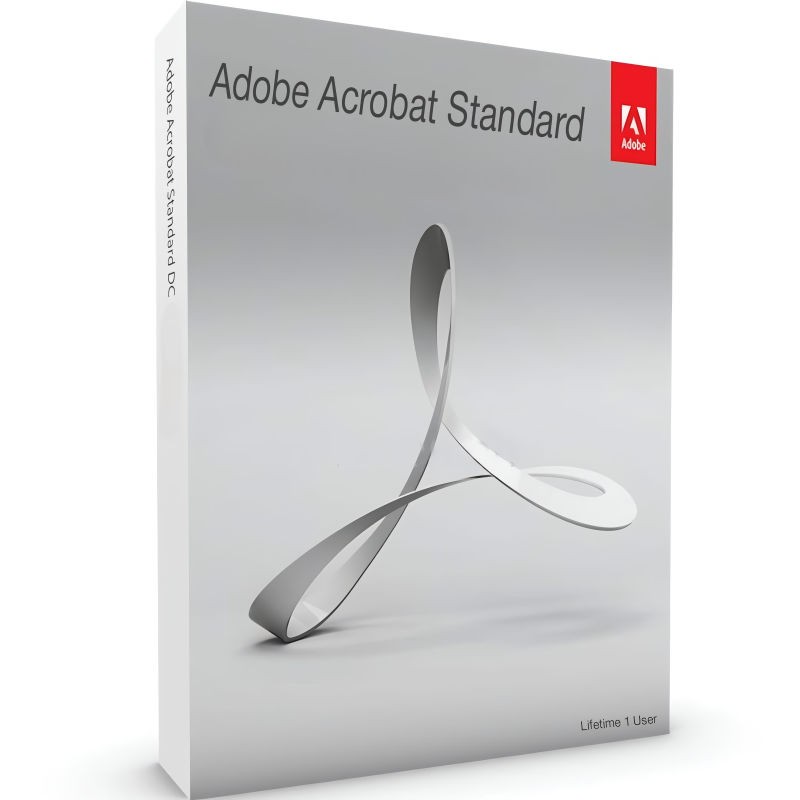
Adobe Acrobat Standard 2020 Perpetual (Life Time) 1 User
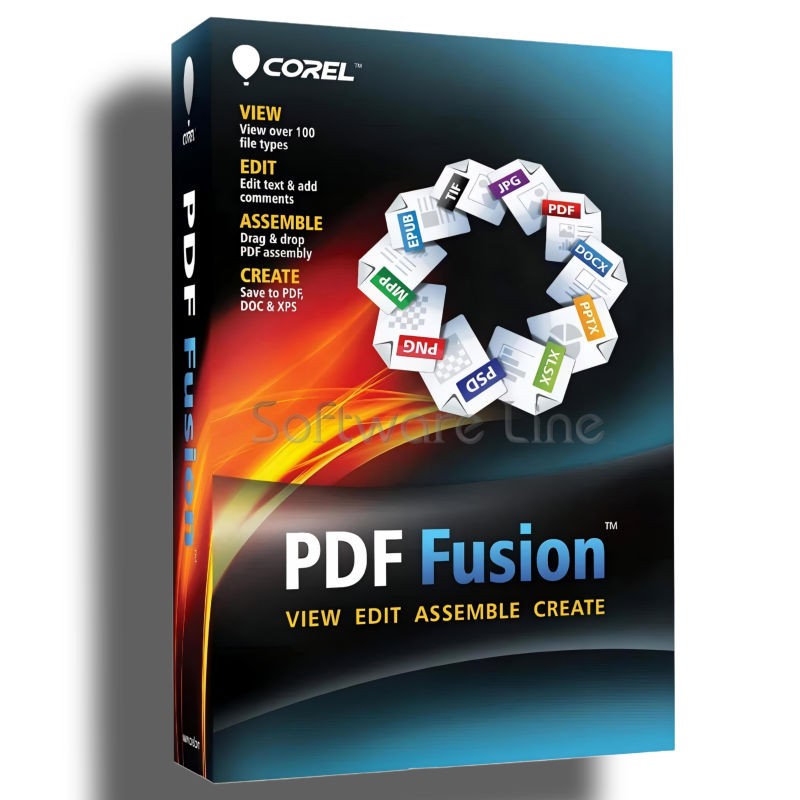
Corel PDF Fusion One-Time Purchase
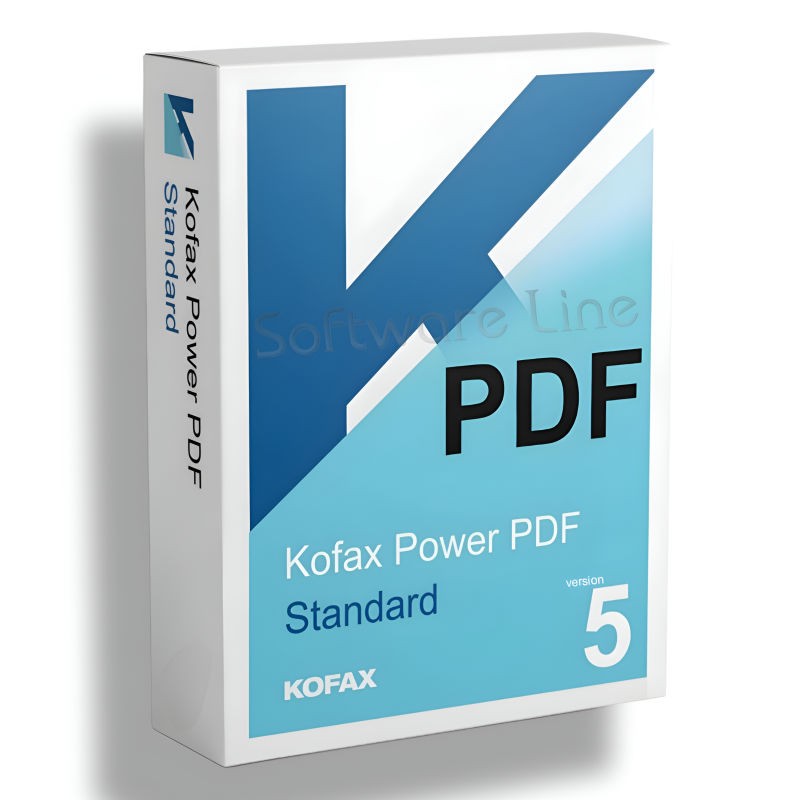
Kofax Power PDF Standard V5 | WIN (One-Time Purchase)
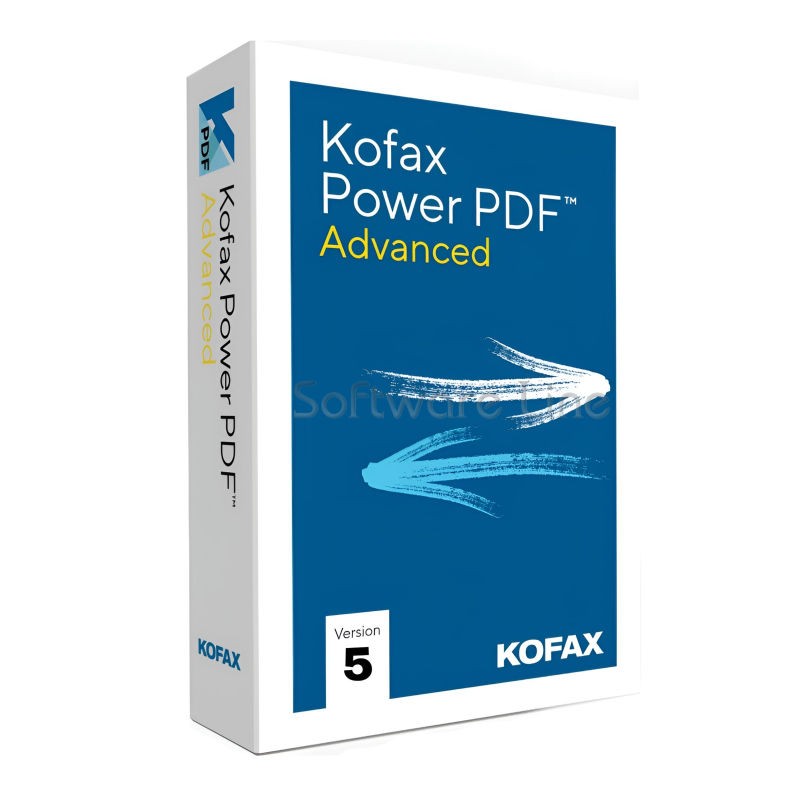
Kofax Power PDF Advance V5 | WIN (One-Time Purchase)
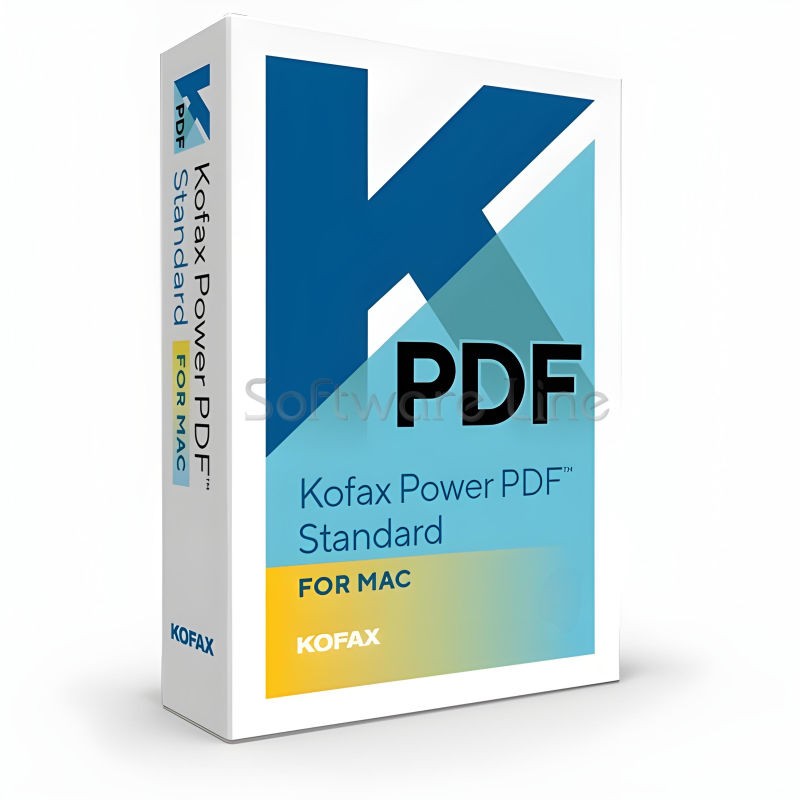
Kofax Power PDF for MAC (One-Time Purchase)

Ashampoo PDF Pro 5 | Windows

Copyright © 2003-2018. Software Line Trading LLC. All rights reserved. Software Line, the Software Line logo are trademarks or registered trademarks of Software Line. All products, articles, brands, and logos of the manufacturers represented on this website may be subject to the trademarks and copyrights of the respective companies.

Contact Info
- Address: M17-A, Computer Plaza, Al-Ain Center, Mankhool Street, Bur Dubai P.O. Box # 44614, Dubai (UAE)
- Phone: +971 4 3591317 / 3514175
- Email: Info@softwareline.ae